See exactly which element you are working on
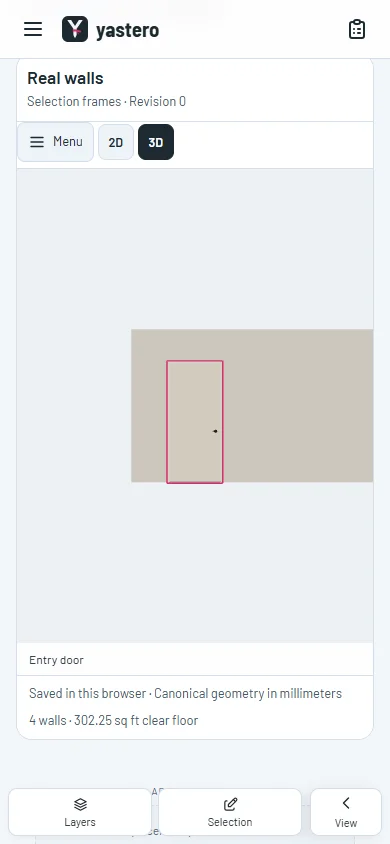
Whole-object frames and clear layer states help identify roofs, furniture, doors and windows in the real-wall model.
Select a native element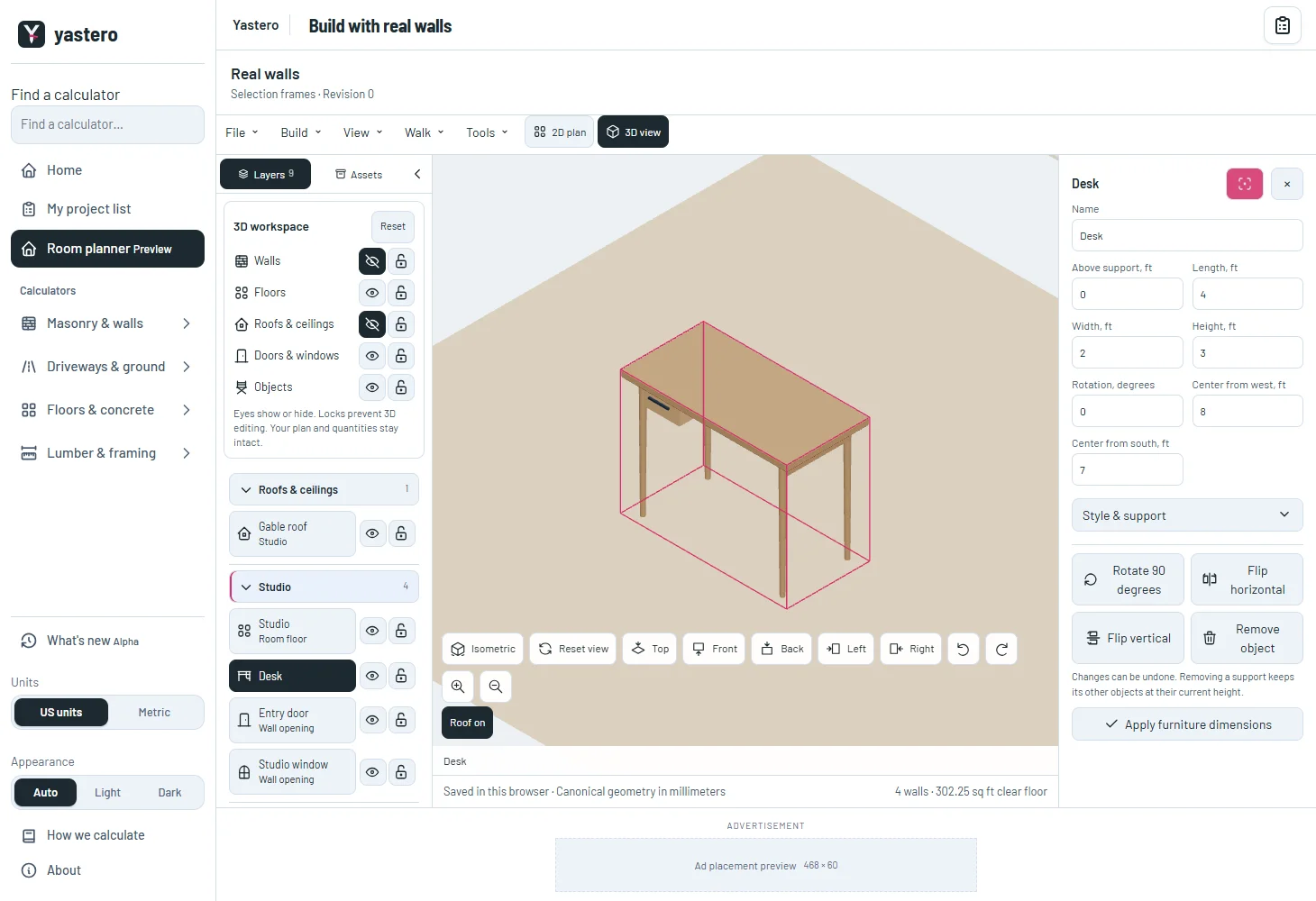
Follow the same element across the workspace
Roofs, furniture, doors and windows use their persistent identity in the model, layer list and inspector. A roof remains active in Layers after its builder closes.
Frames provide visual context; clicking still uses the actual visible meshes. Floors retain their real outline, including concave boundaries and holes. Empty openings remain outlined without requiring a door or window.
Selection, hover and focus leave saved geometry, material quantities and history unchanged. The real-wall editor remains opt-in.
A closer look
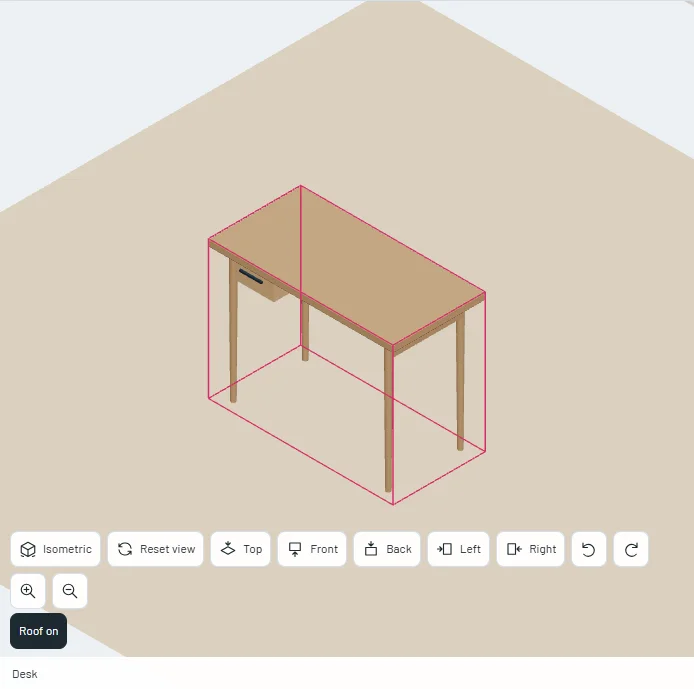
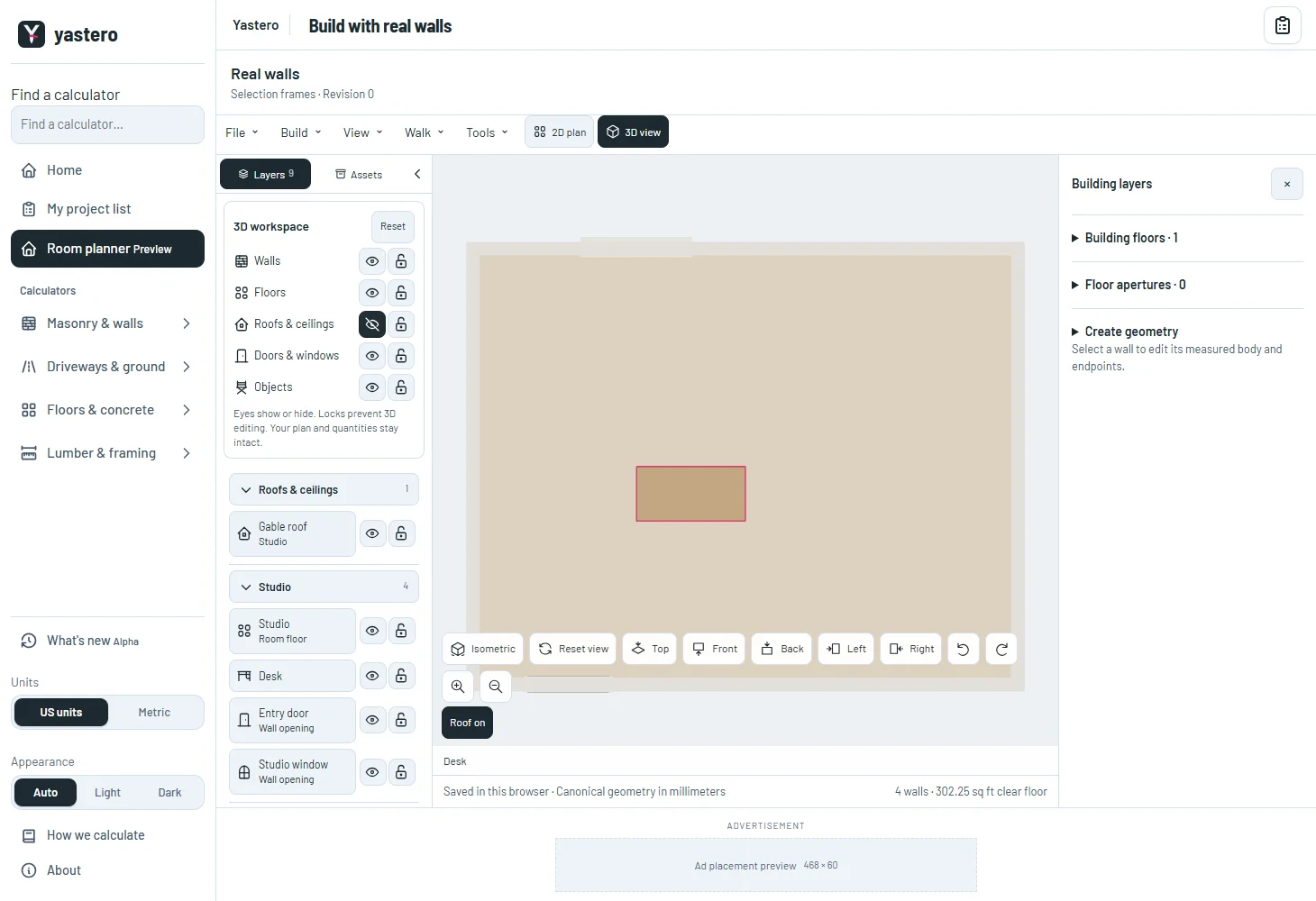
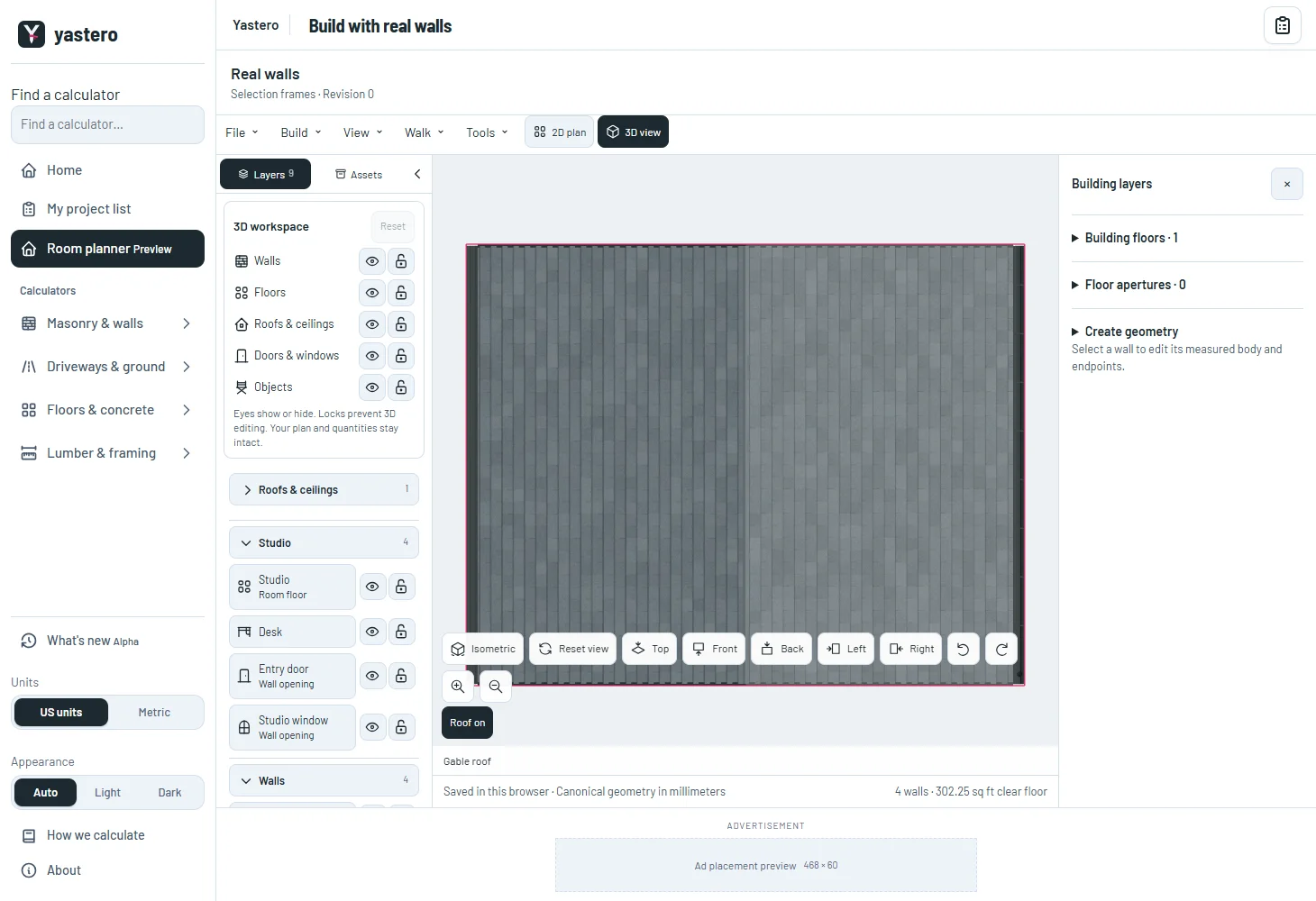
This milestone was documented on October 26, 2026 and added to the public history on October 26, 2026 at 1:57 AM GMT-3. Screenshots show the development state at the time. About this alpha history.