Bring an object or opening into view
Focus the real-wall plan or 3D camera on an object or opening from its layer row, a keyboard shortcut or the inspector.
Focus a native element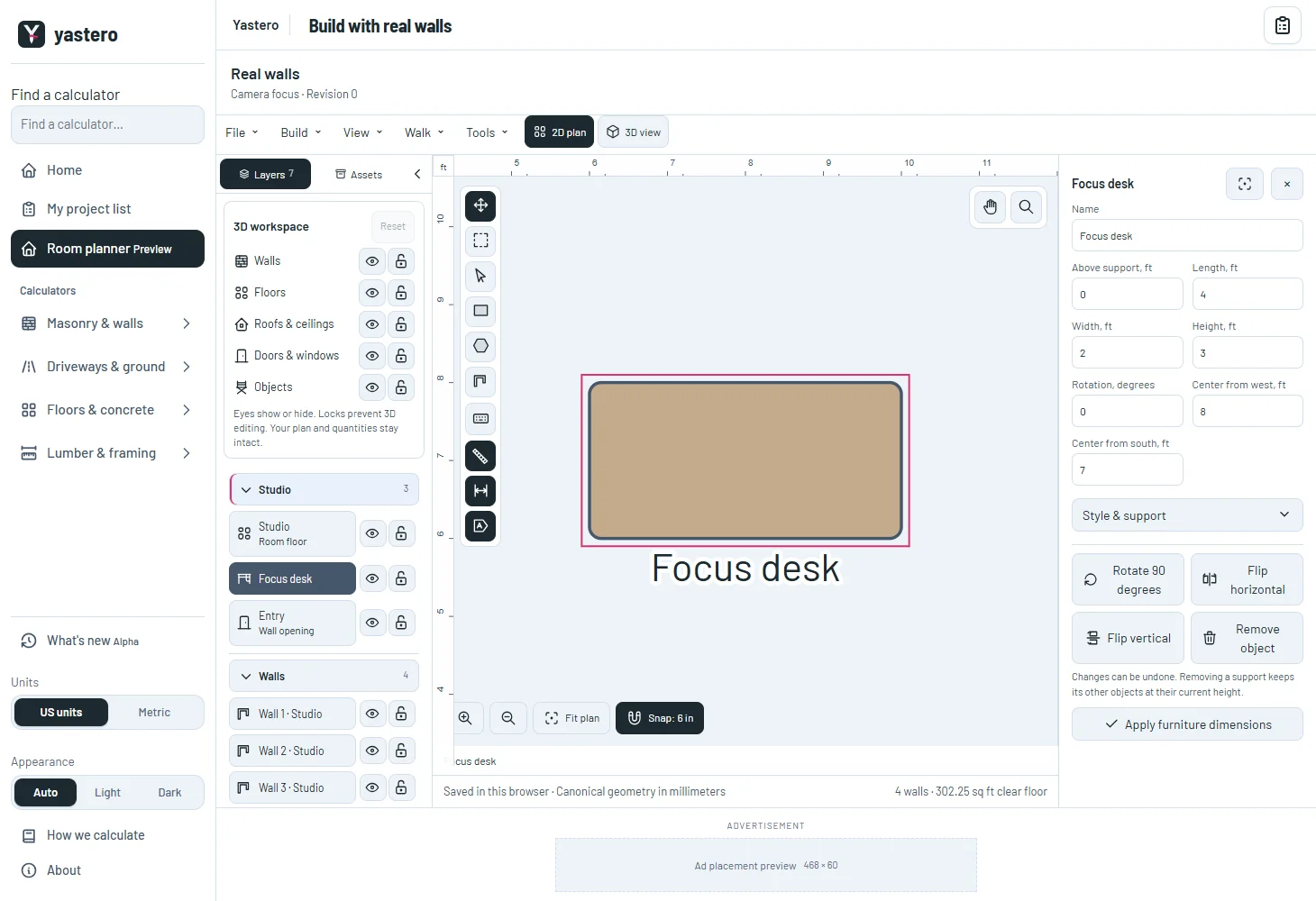
A closer view, with the same measurements
Plan framing uses native millimeter positions and the classic editor’s camera margin. In 3D, framing uses the actual visible object meshes and leaves space for the camera toolbar.
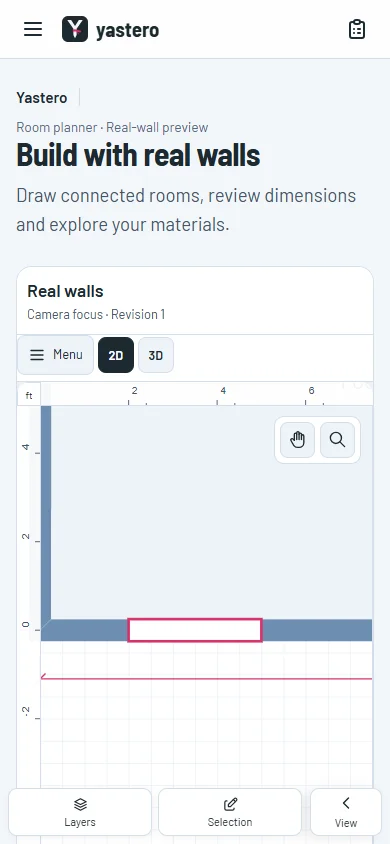
An empty opening remains focusable without a door or window mesh. Its physical wall, station, sill and height define the camera bounds.
Focus changes the camera, not saved geometry, quantities or history. Visibility and locks remain in effect.
Keep the current work intact
A normal click still selects a layer. Use Alt+Enter to focus another reference while retaining the selected element and unapplied input; the inspector’s Focus button focuses the current element.
The phone action closes the overlay to show the focused canvas while keeping the form mounted and available to resume.
Requests made before either viewer finishes loading are queued for that project and floor. The 3D viewer uses the latest selection when it becomes ready. The real-wall editor remains opt-in.
A closer look

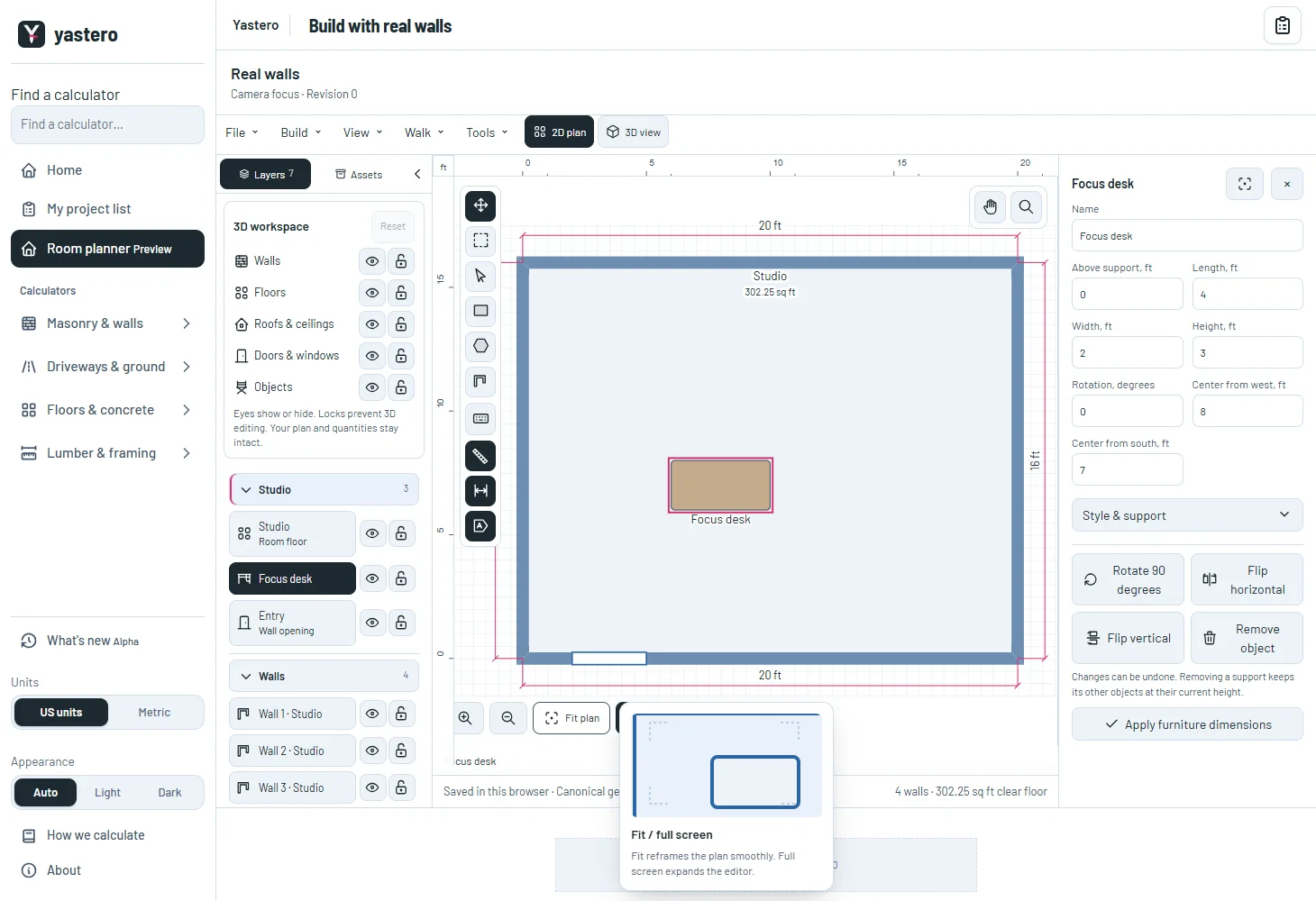
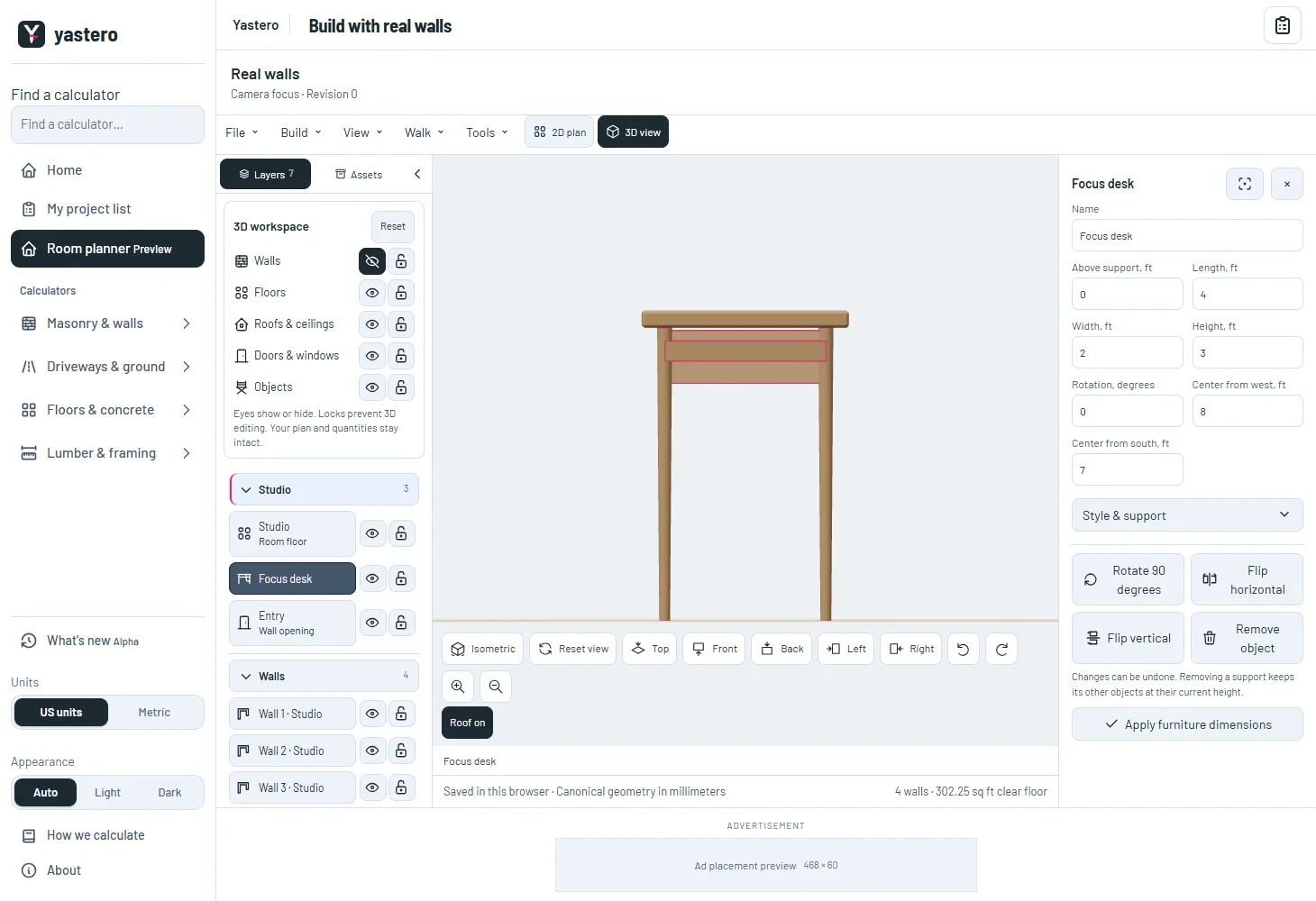
This milestone was documented on October 26, 2026 and added to the public history on October 26, 2026 at 1:22 AM GMT-3. Screenshots show the development state at the time. About this alpha history.