Move rooms and keep space to work
Apply room coordinates in the real-wall inspector, minimize roof tools on a phone, and move smoothly between camera views.
Open the real-wall workspace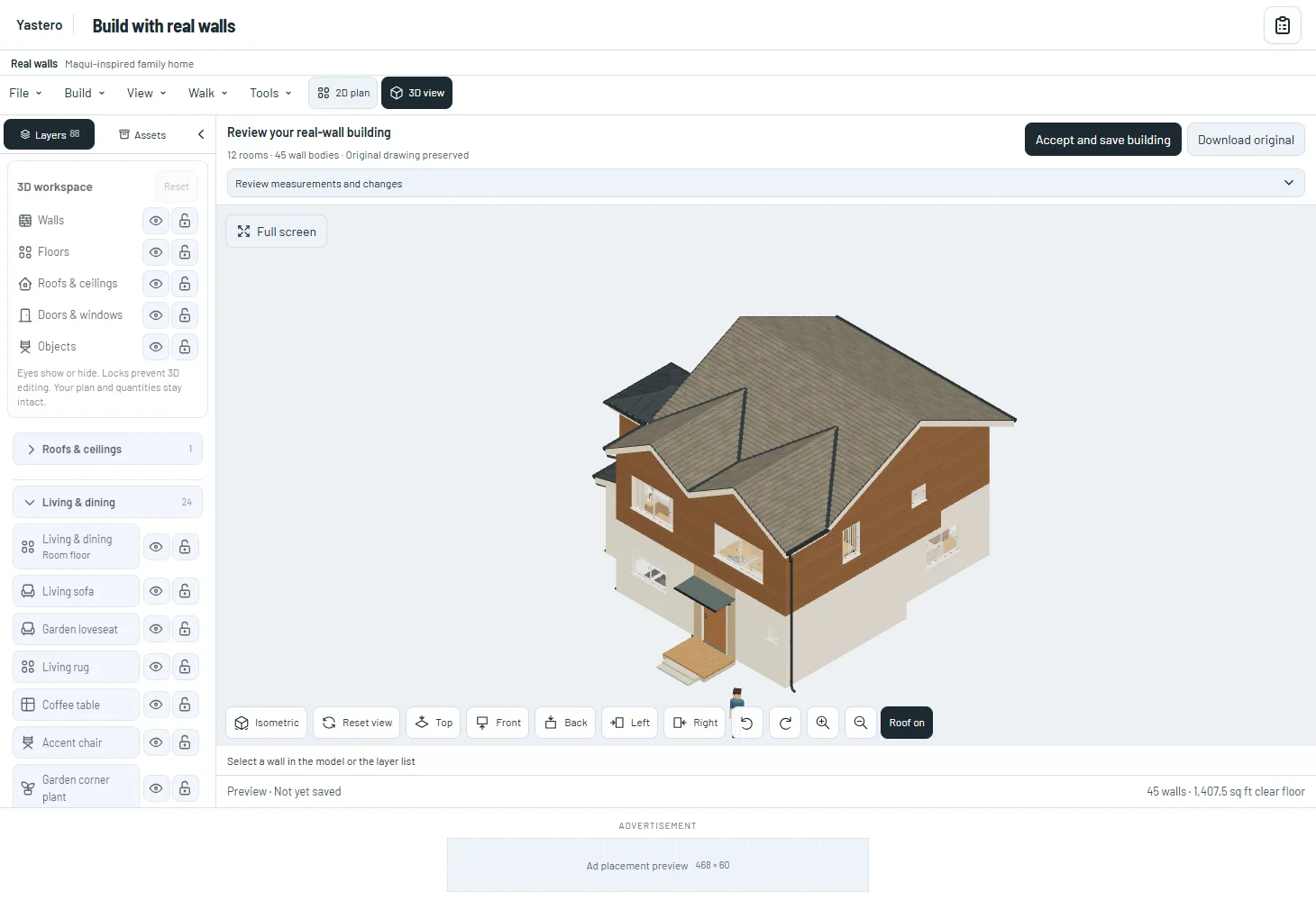
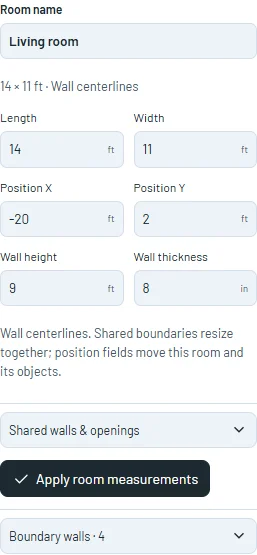
Coordinates with clear recovery
Room movement preserves object positions relative to the room. A shared opening moves only when assigned to that room; products are not duplicated.
Locks and invalid overlaps retain your text and saved building. Feet remain the default; Metric accepts explicit millimeter coordinates.
Geometric contact does not specify a structural connection or framing assembly. Construction systems and details require their own assignments.
See the model while working
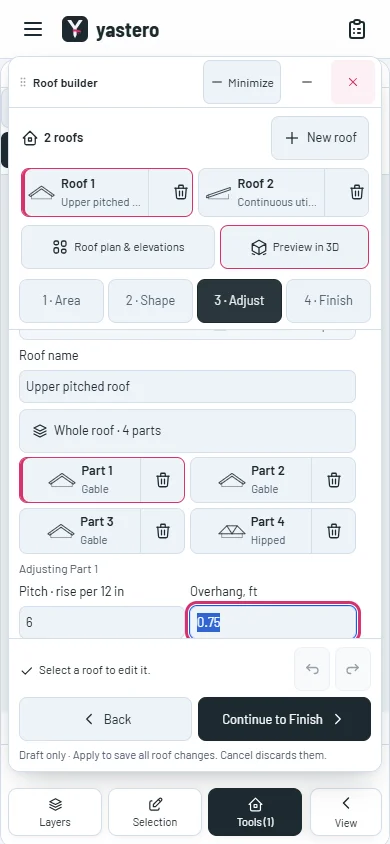
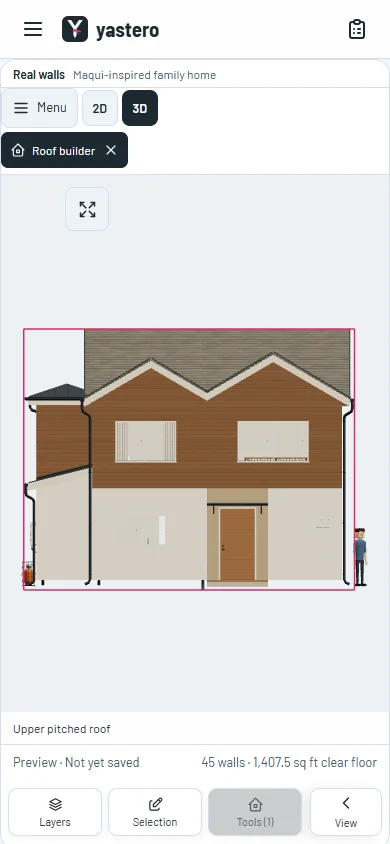
The phone workspace gives space back to the canvas. Minimize keeps an unfinished roof preview available in Tools, without accepting or discarding it.
Inspector sections expand with custom keyboard-accessible controls and transitions. Selecting an opening reveals its section.
Front, Top and the other camera presets animate to exact orthographic directions, respect reduced motion and follow the latest chosen view. The real-wall editor remains opt-in.
A closer look
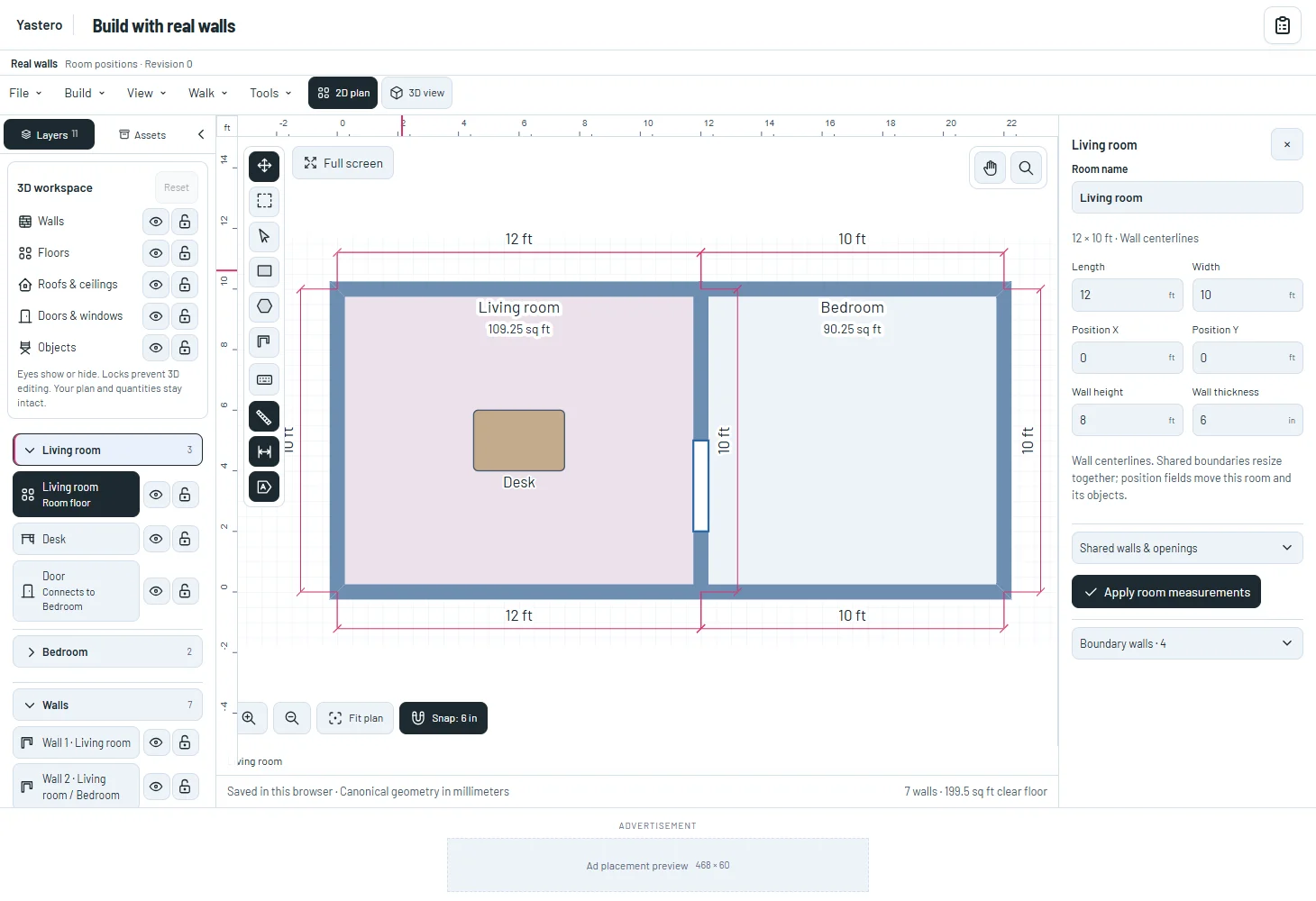
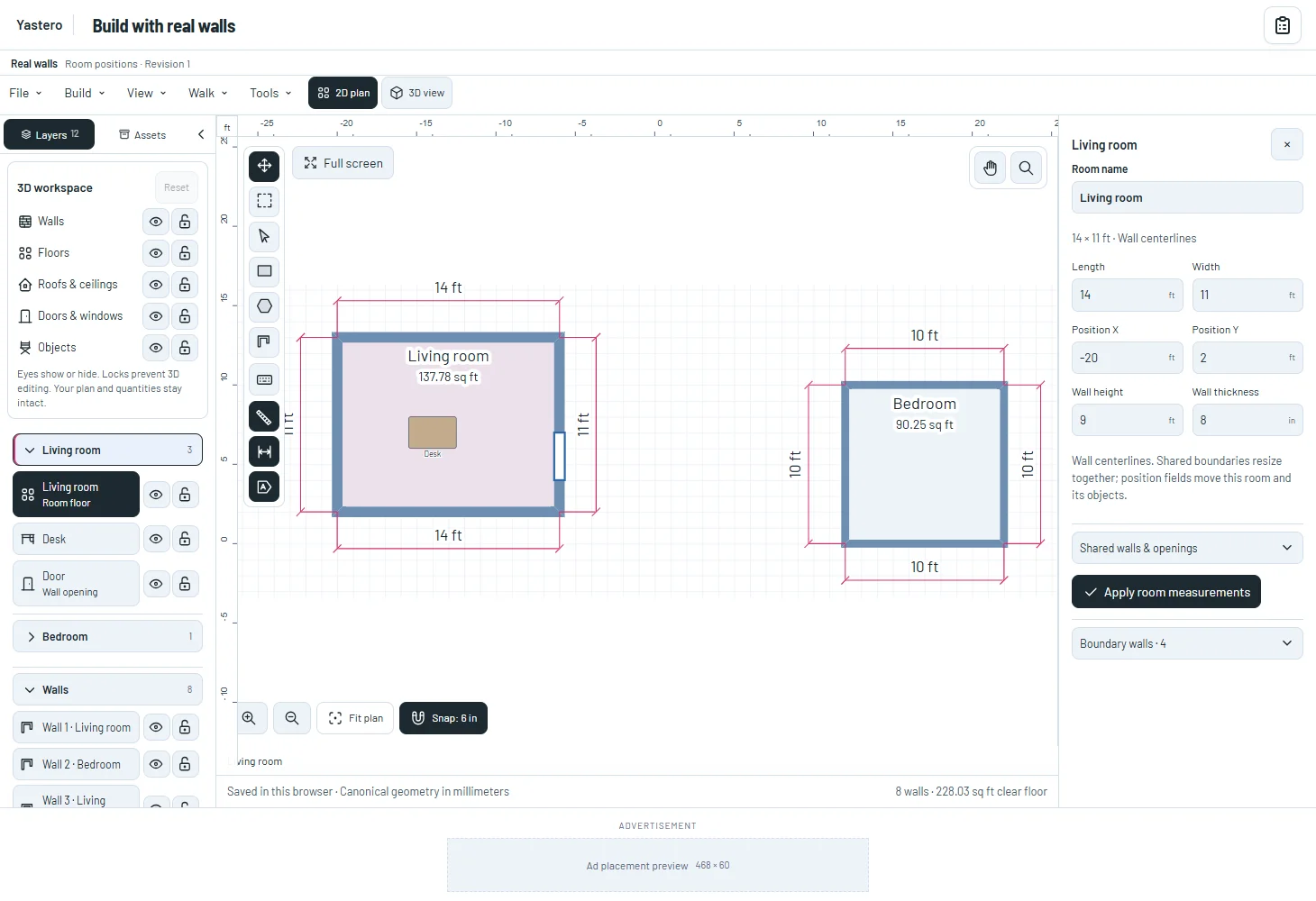
This milestone was documented on October 26, 2026 and added to the public history on October 26, 2026 at 4:16 AM GMT-3. Screenshots show the development state at the time. About this alpha history.