Find your objects and shared openings by room
The real-wall layer list now groups floors, objects and openings by room. Shared openings appear in both rooms while remaining one physical object.
Explore layers by room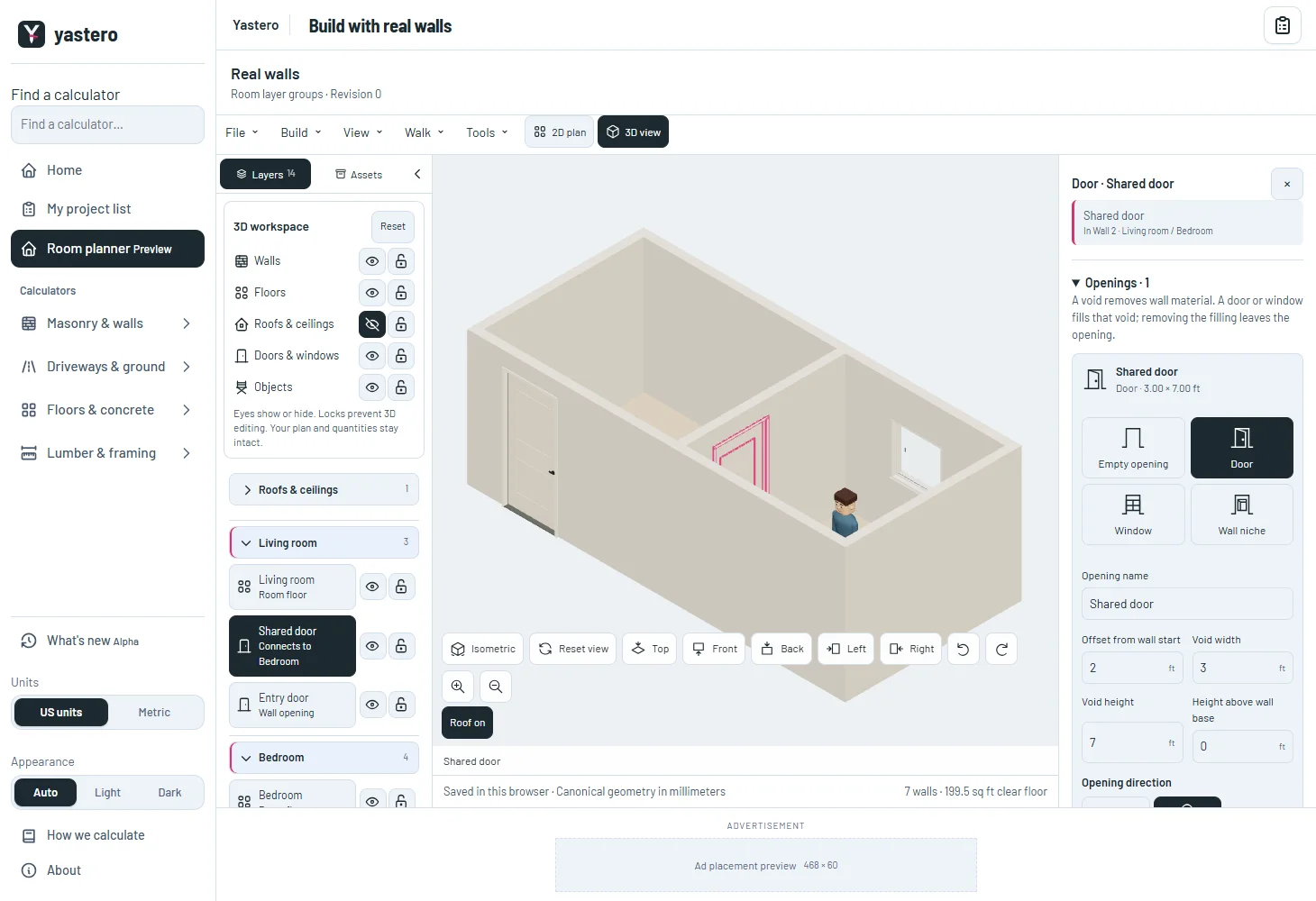
One building, clear references
Shared openings show the room they connect to. The list checks the actual opening span, so a partial shared wall does not assign every opening to every neighboring room. A one-sided niche is listed only on its room-facing side.
Doors and windows use their opening name when the filling has no separate name. The layer count includes floors and counts each shared identity once on the active floor.
Grouping and visibility controls leave the saved geometry, material quantities and history untouched.
Control what you can select
Eyes and locks work globally and per element for roofs, walls, floors, objects, doors and windows. Hidden or locked geometry is excluded from 3D picking; Reset restores the original visibility.
Room groups retain the shared accordion’s keyboard controls and phone layout. Expanding a room does not cover the phone library with its inspector.
The hover reference clears when its element becomes protected. The real-wall editor remains opt-in while the remaining classic controls are transferred.
A closer look
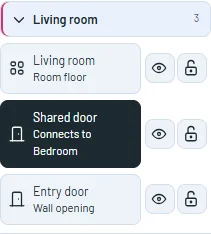
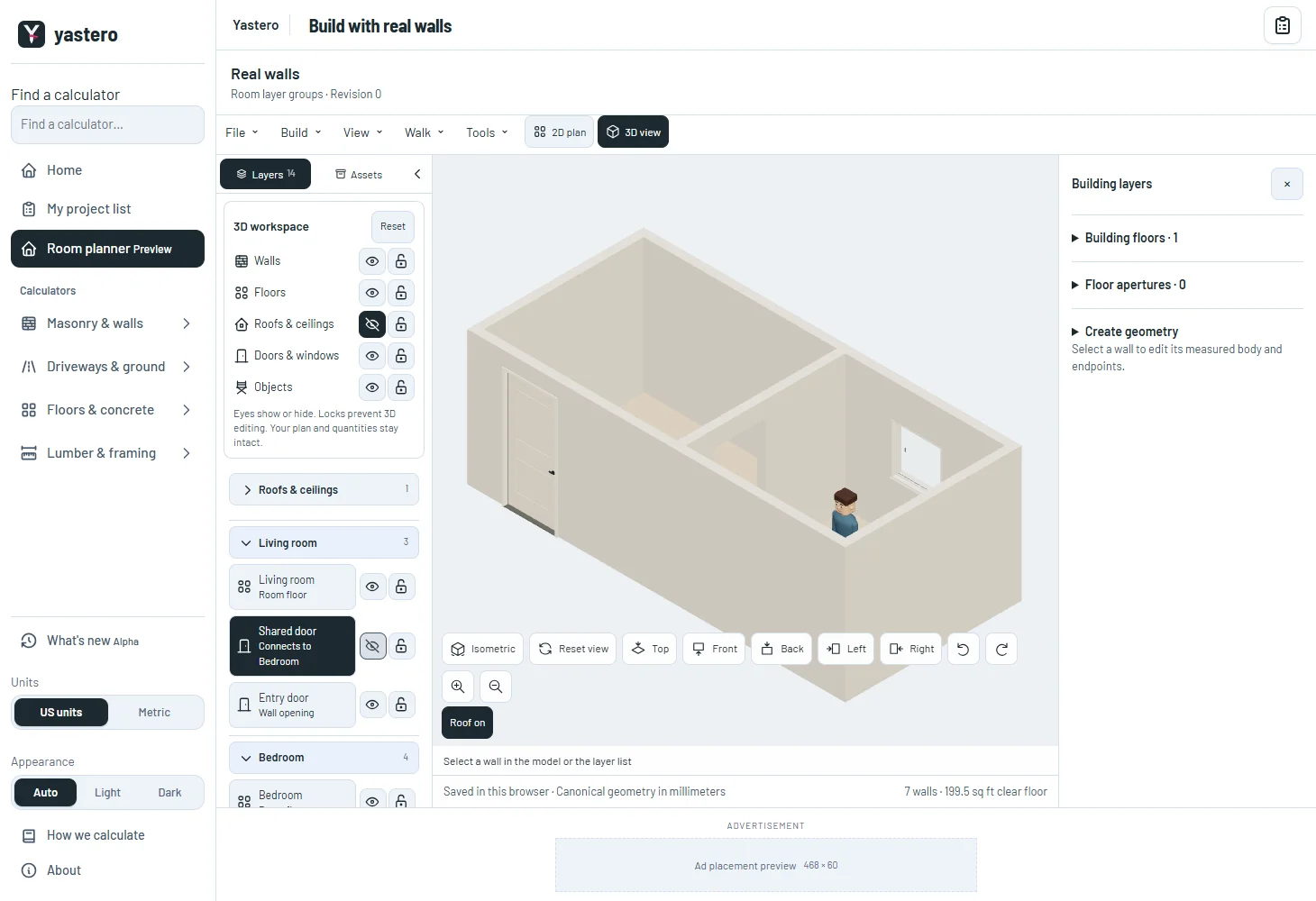
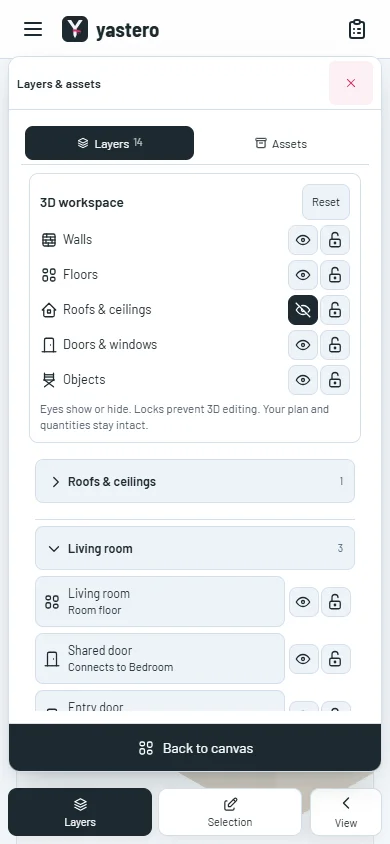
This milestone was documented on October 26, 2026 and added to the public history on October 26, 2026 at 12:34 AM GMT-3. Screenshots show the development state at the time. About this alpha history.