yastero
All updates
v0.1.0-alpha.46Planner · Alpha milestone

Window close buttons stay visible

Find the close action clearly when pointing at a window or moving through its controls with the keyboard.

Open the floor planner
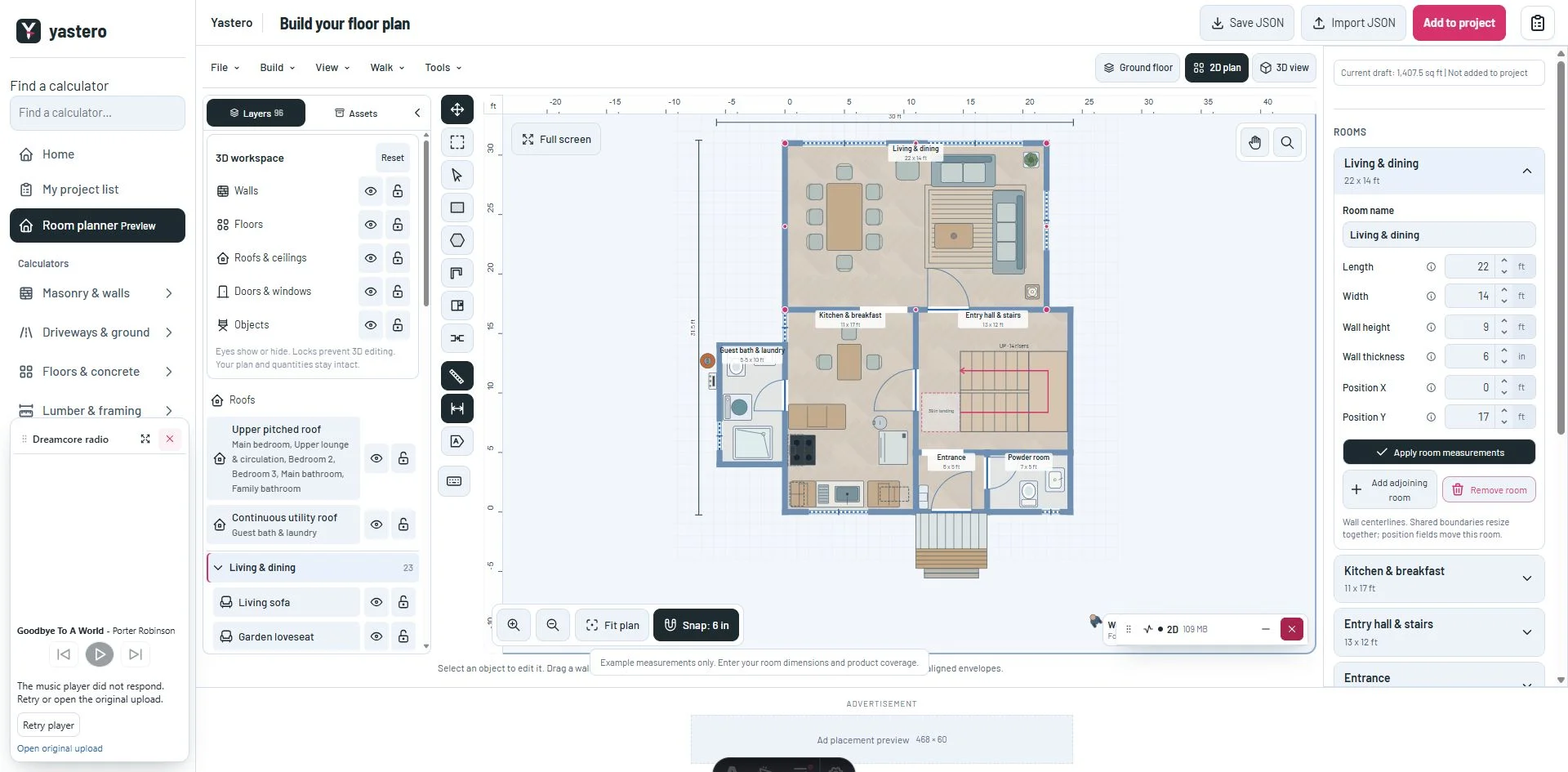
Floor planner with a contrasting close button on the resource monitorView larger
The close action stays visible in its window header while the pointer rests on it.Development screenshot ·

Clear close states

A white close icon sits on a deep ribbon background during hover and keyboard focus. The background and icon change together, and the focus outline remains visible.

The same rule covers window headers in light and dark appearance and on smaller screens. Closing and reopening panels keeps its existing behavior.

A closer look
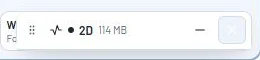
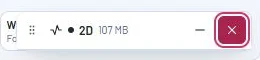
Previous hover state with a white close icon on a pale backgroundView larger
Before: competing hover rules left a white icon on a pale background.Development screenshot ·
Close-up of the white close icon on deep ribbon with a keyboard focus outlineView larger
After: icon and background change together, with an outline for keyboard focus.Development screenshot ·
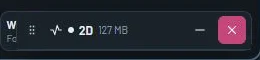
Contrasting close button in the dark resource monitor headerView larger
The dark appearance uses its deep ribbon token with the same white icon.Development screenshot ·
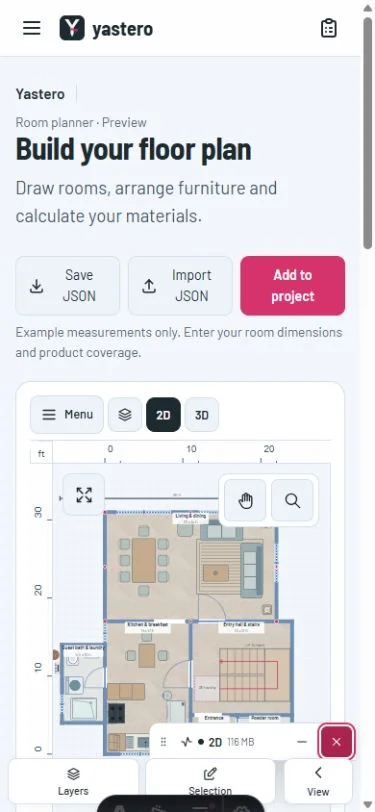
Mobile planner with the resource monitor close action focusedView larger
The compact header retains a visible close action on a 390-pixel viewport.Development screenshot ·

This milestone was documented on October 24, 2026 and added to the public history on October 24, 2026 at 8:00 PM GMT-3. Screenshots show the development state at the time. About this alpha history.

Development screenshot