Tidier tool windows. A small view of performance.
Floating tools share a compact title bar, and a resource monitor helps explain when a scene gets expensive to draw.
Open the planner tools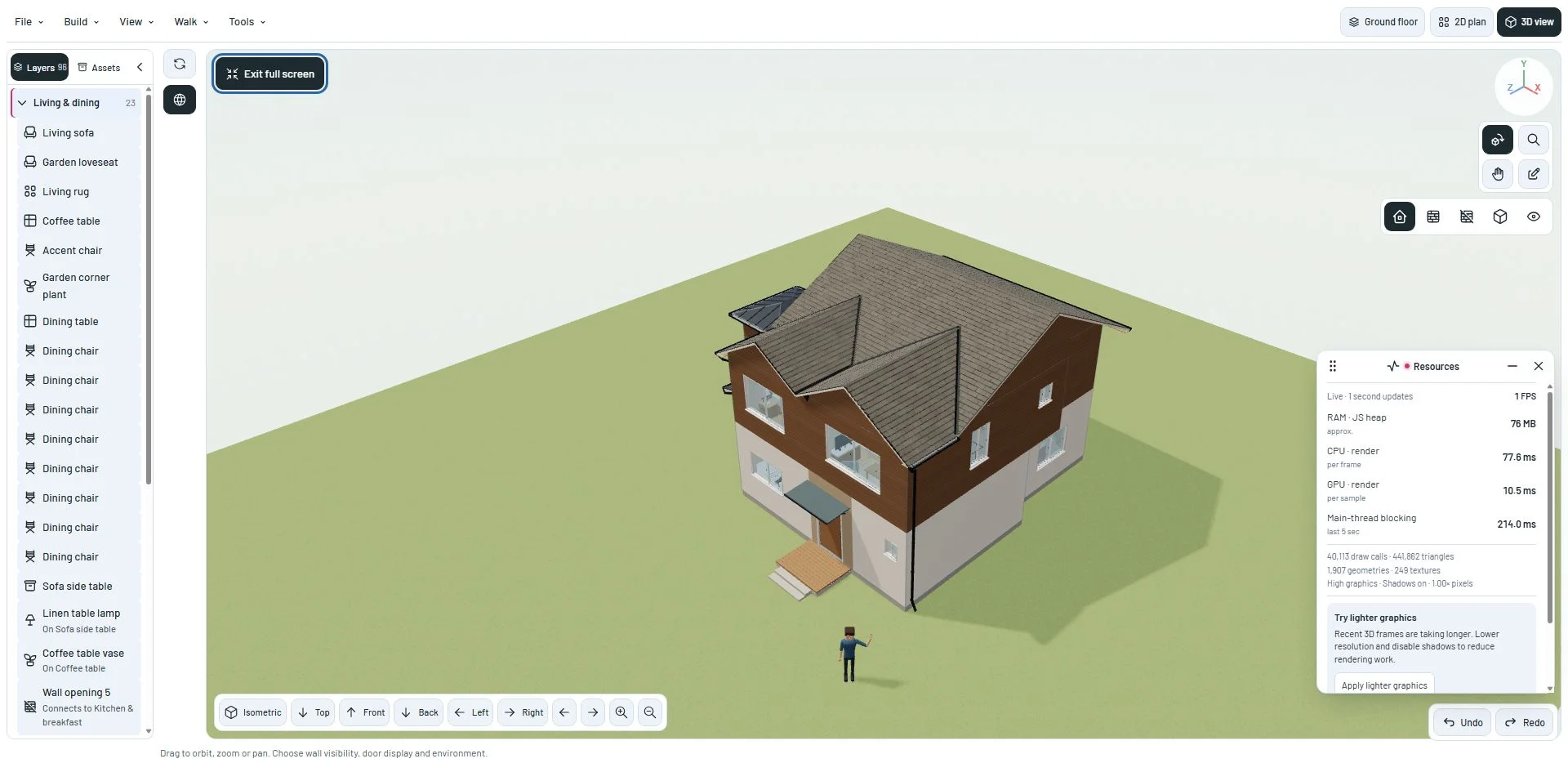
A consistent place for window actions
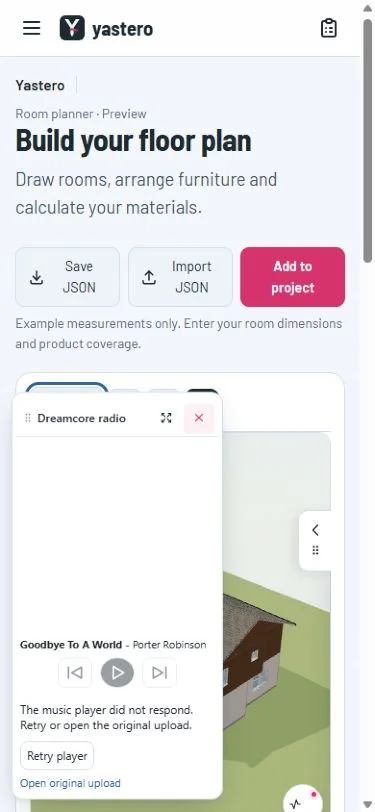
The radio, performance monitor and other floating tools use the same title-bar pattern. The grip and title stay together, with smaller, aligned actions and a Cinta-colored close icon.
Touch layouts adjust the action sizes. Minimized tools remain reachable without leaving a large empty panel over the house.
Understand the scene
The monitor shows available frame-rate and rendering information, including draw calls and triangles. It offers suggestions based on the current scene and graphics settings.
Memory and device details appear only when the browser exposes them. JavaScript heap usage is not total system RAM, and the monitor does not invent a CPU or GPU utilization percentage.
A closer look
This milestone was documented on October 22, 2026 and added to the public history on October 22, 2026. Its version was assigned retrospectively. Screenshots show the development state at the time. About this alpha history.