Familiar camera controls for the real-wall model
Use the same camera icons and presets in both editors. Switch between a true isometric view and a perspective reset, with a compact View drawer on phones.
Explore real-wall camera views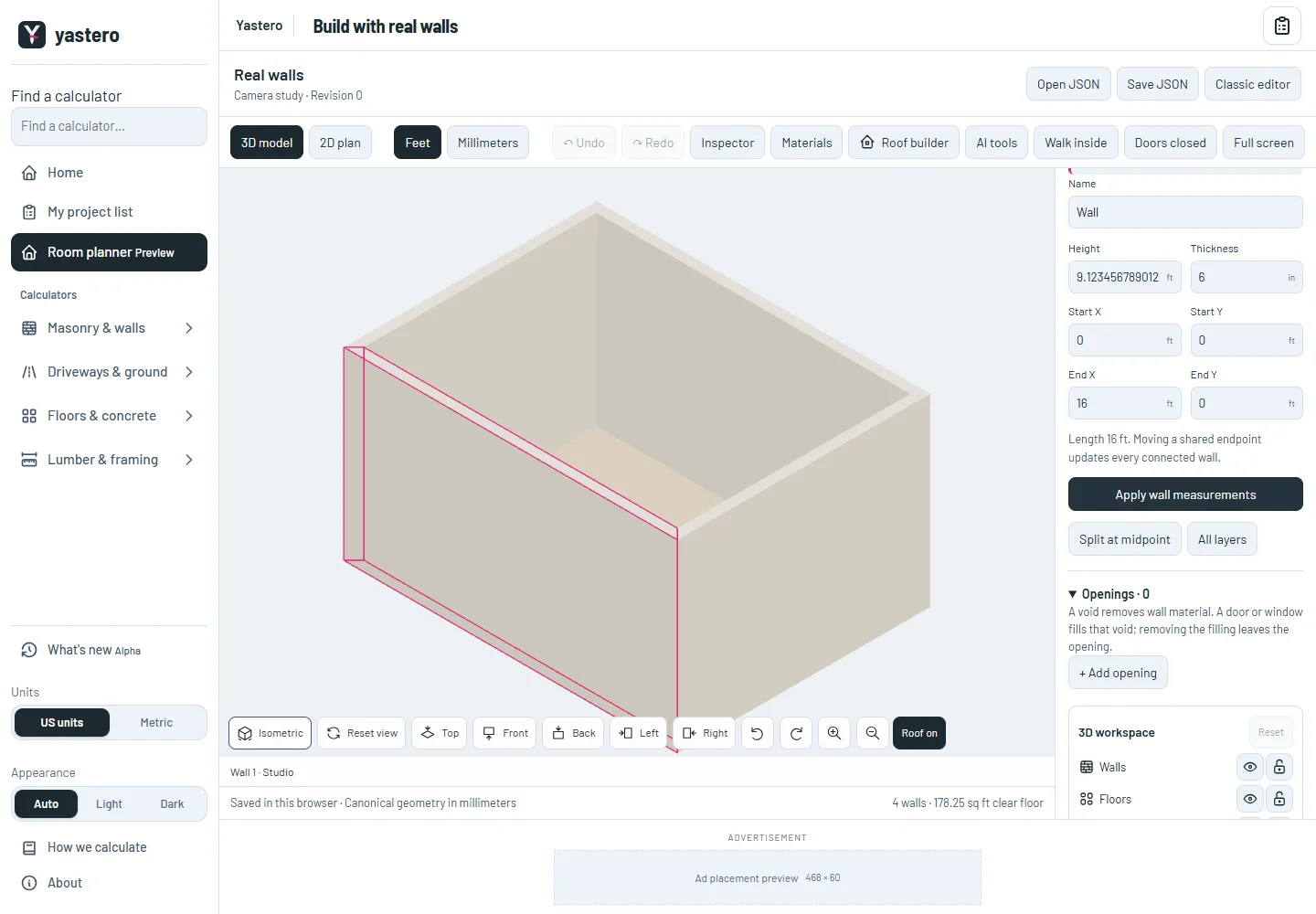
The same camera toolbar
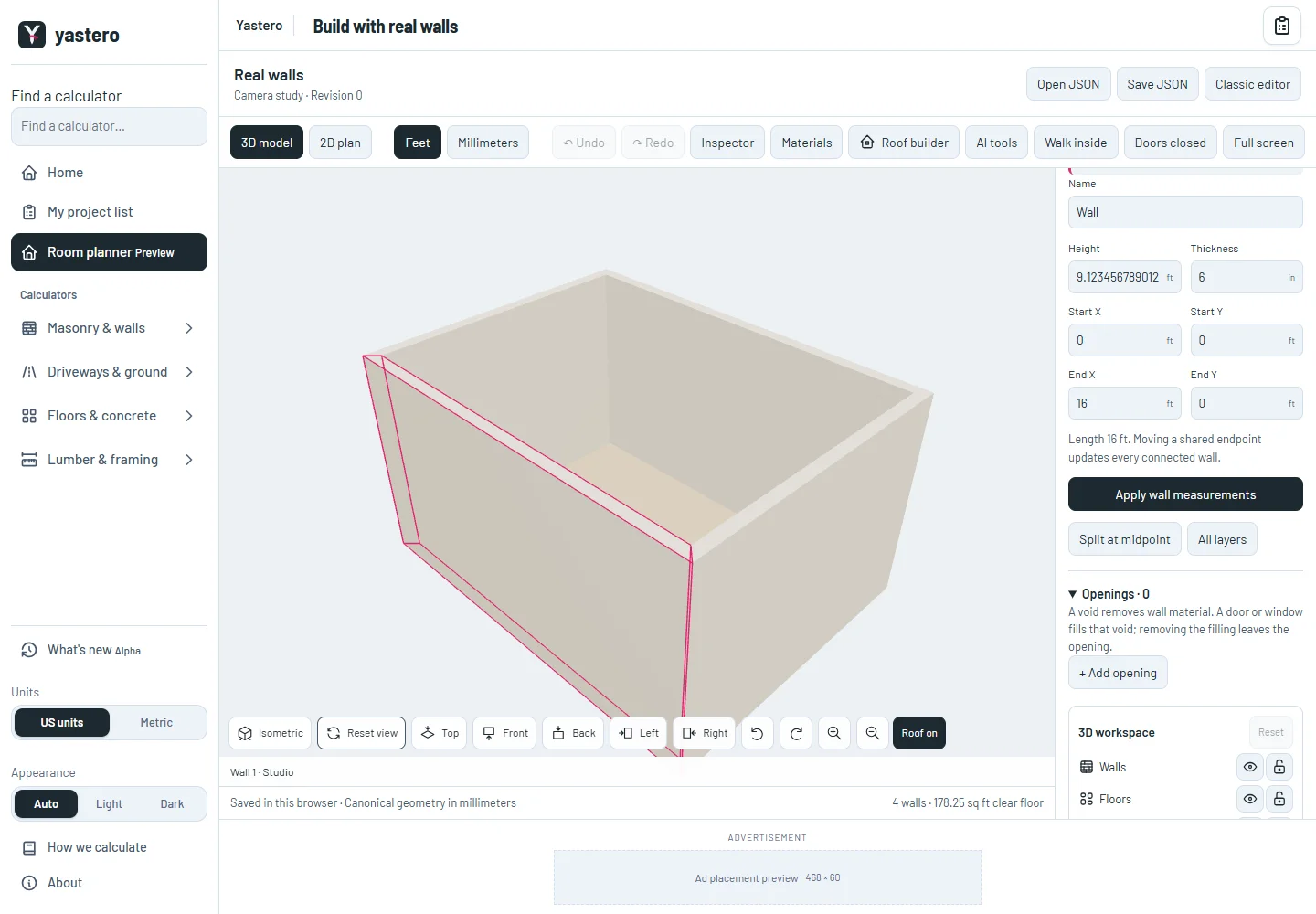
The real-wall workspace reuses CameraPresets and the projection controller from the classic editor. The reset uses the classic overview lens, separate from the walking and ceiling-inspection cameras.
Choosing a preset frames the model. Reset view returns to perspective framing; Isometric restores parallel projection. Camera changes leave the saved building untouched.
Full screen keeps the contextual inspector available. The rest of the real-wall interface is still being transferred before any default-editor change.
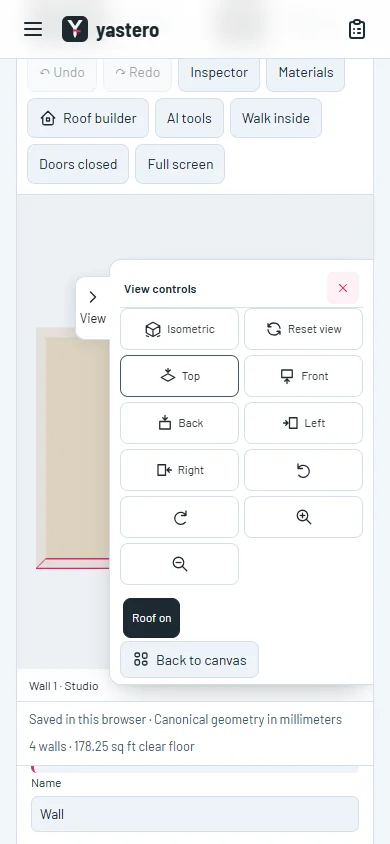
A phone-sized View drawer
The existing View drawer keeps the camera controls beside the canvas. It closes when you resume a tool, and roof edits stay available in Tools while you navigate.
The wall inspector also reuses the exact-value numeric fields. Applying an unchanged field preserves its saved millimeters even when the displayed feet value has fewer digits.
Each editor now has its own loading entry. Build opens the real-wall preview directly; previous preview links still work and saved drafts stay in place. The classic editor remains the default.
A closer look

This milestone was documented on October 25, 2026 and added to the public history on October 25, 2026 at 1:40 PM GMT-3. Screenshots show the development state at the time. About this alpha history.