Select real building elements and control their layers
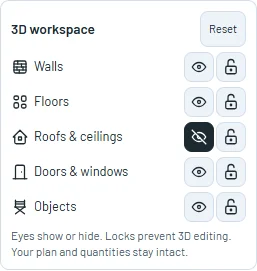
Select roofs, objects, floors, doors and windows directly in the real-wall model. Use the familiar eyes and locks to reveal your work and protect elements from 3D selection.
Select and reveal building elements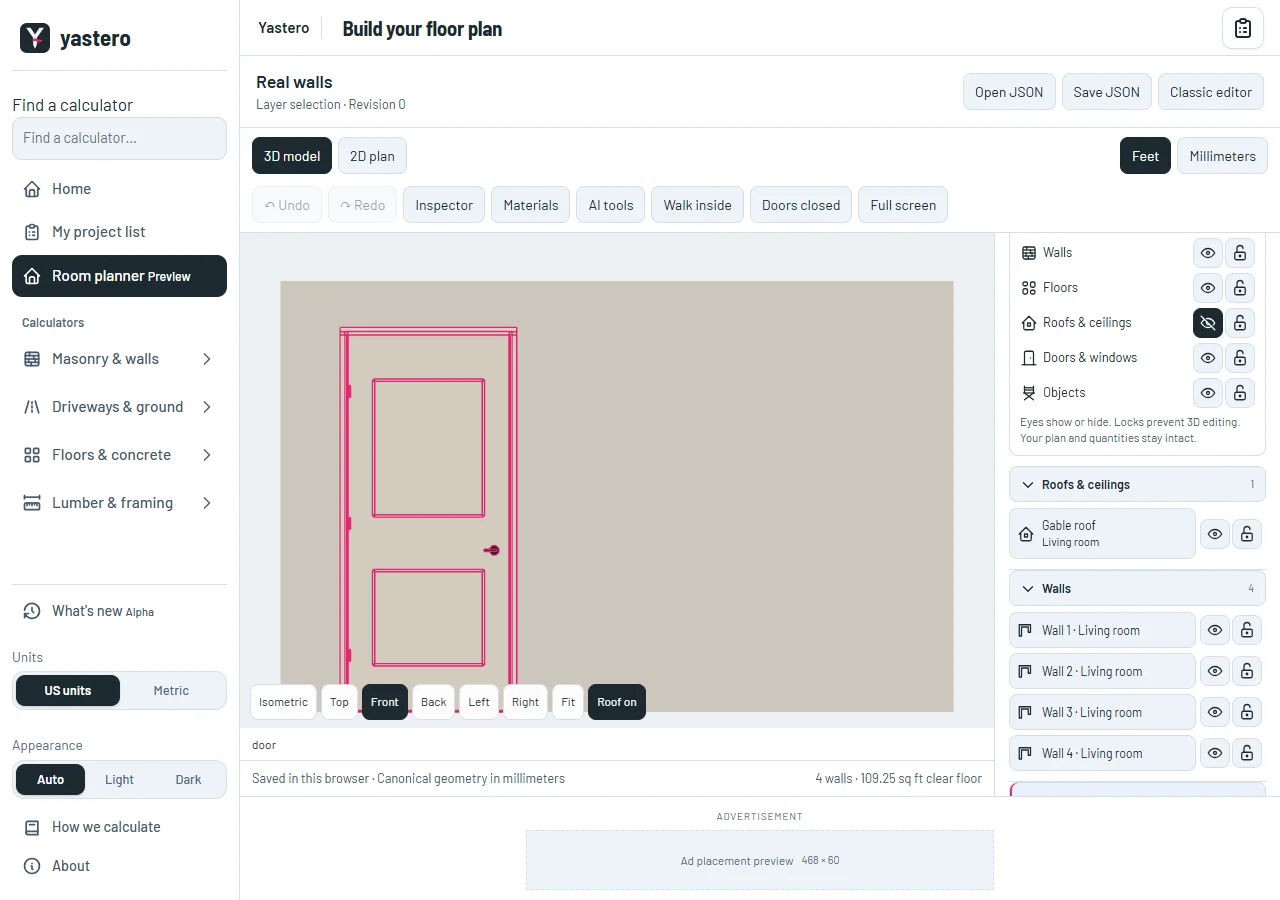
The same layer controls
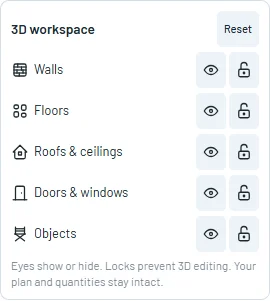
The real-wall inspector reuses the classic workspace’s layer switches, icons and accordion groups. Roofs and ceilings, physical walls, openings, objects and stairs, and rooms and floors retain their native identities.
Eyes hide rendered elements; locks prevent 3D selection and painting. Reset restores original visibility. A roof can be locked or hidden individually without closing its group or losing access to its switches.
Pointer highlights follow real mesh geometry, including a door leaf and its frame. Selecting a filling identifies its measured opening and physical host wall; Inspect host wall returns to wall properties.
A workspace setting
Layer masks do not remove building records, alter material quantities or change navigation geometry. The saved native file stays byte-for-byte unchanged when you only use these controls.
Layer controls remain available during a geometry review. The workspace uses its own layer state, separate from the classic editor’s masks.
The real-wall workspace remains opt-in. The complete transfer of classic menus, placement tools and detail panels is still being worked through before any default-editor change.
A closer look

This milestone was documented on October 25, 2026 and added to the public history on October 25, 2026 at 10:45 AM GMT-3. Screenshots show the development state at the time. About this alpha history.