A more visual way to start your next home project
Explore the home planner first, switch between real previews and browse material calculators through project images, filters and a touch-friendly gallery.
Explore the new home page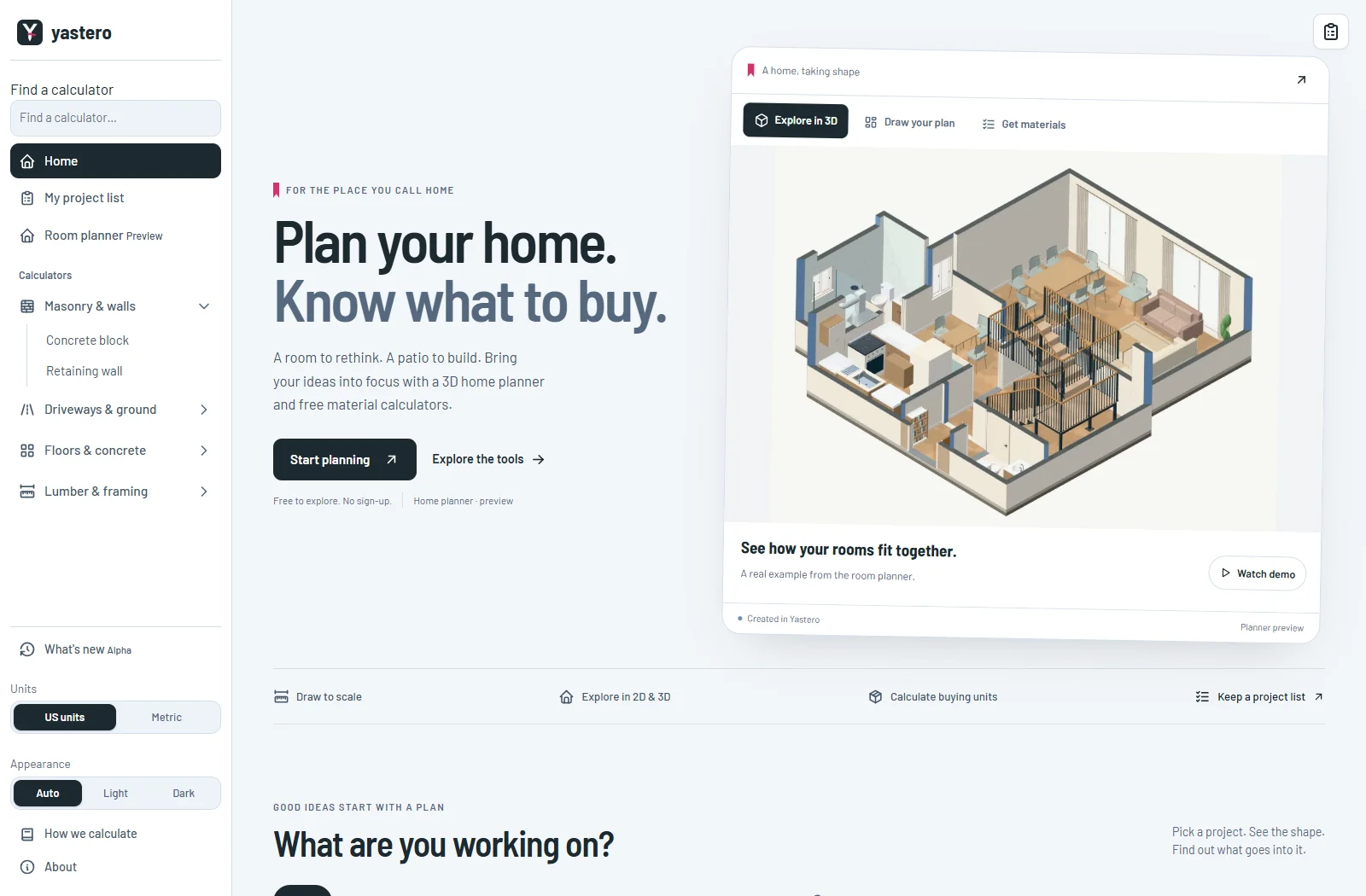
See what you can make
The home planner is the starting point, with a clear preview label and an invitation to explore. Three preview tabs show actual output from the tool.
A silent recording moves from a floor plan to a furnished dollhouse and the exterior roof. It is sped up and includes English instructions. The video downloads only when you open the demo.
The planner remains a preview. Material estimates cover the selected components; the home page does not claim to supply a complete building specification.
A toolkit you can browse
Project images introduce each calculator. Category filters, instant search and a horizontal gallery help you find the job you have in mind. Empty searches offer a clear reset.
The full calculator directory, practical questions, methodology and FAQ remain in the page HTML, with real links to every tool. Old calculator bookmarks from the home page lead to their full tools.
The layout supports narrow screens, dark mode, keyboard focus and reduced motion. Images and tool links remain available without JavaScript. Calculator forms open on their own pages.
A closer look
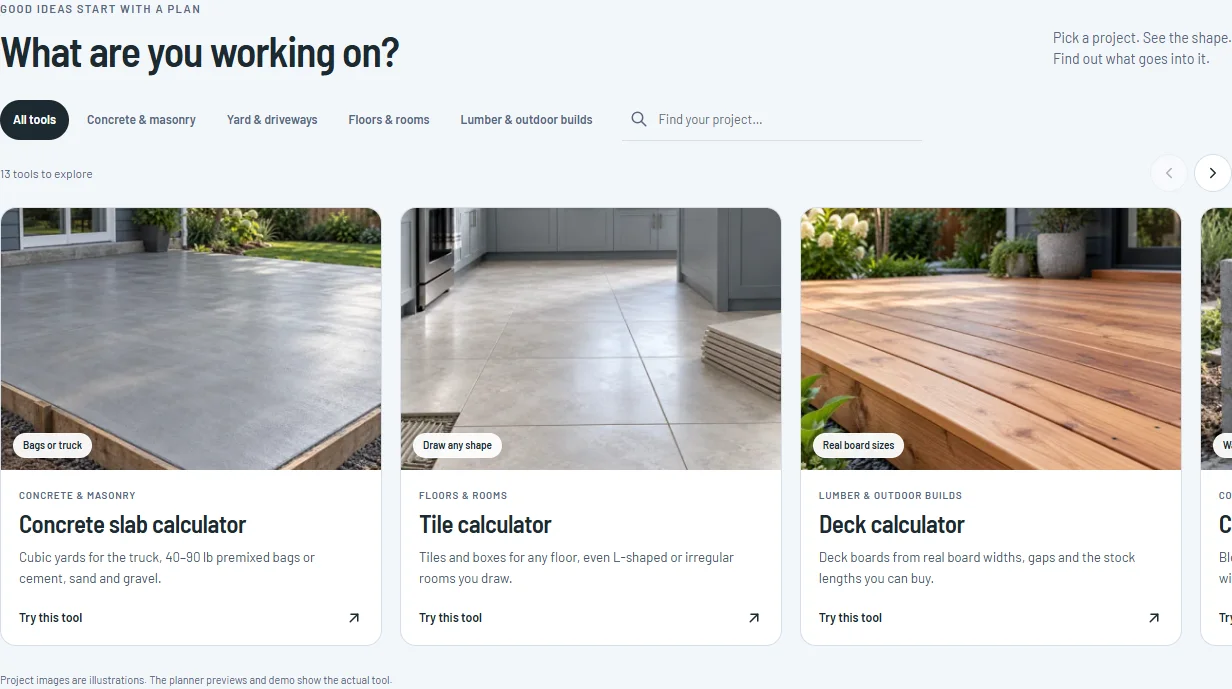
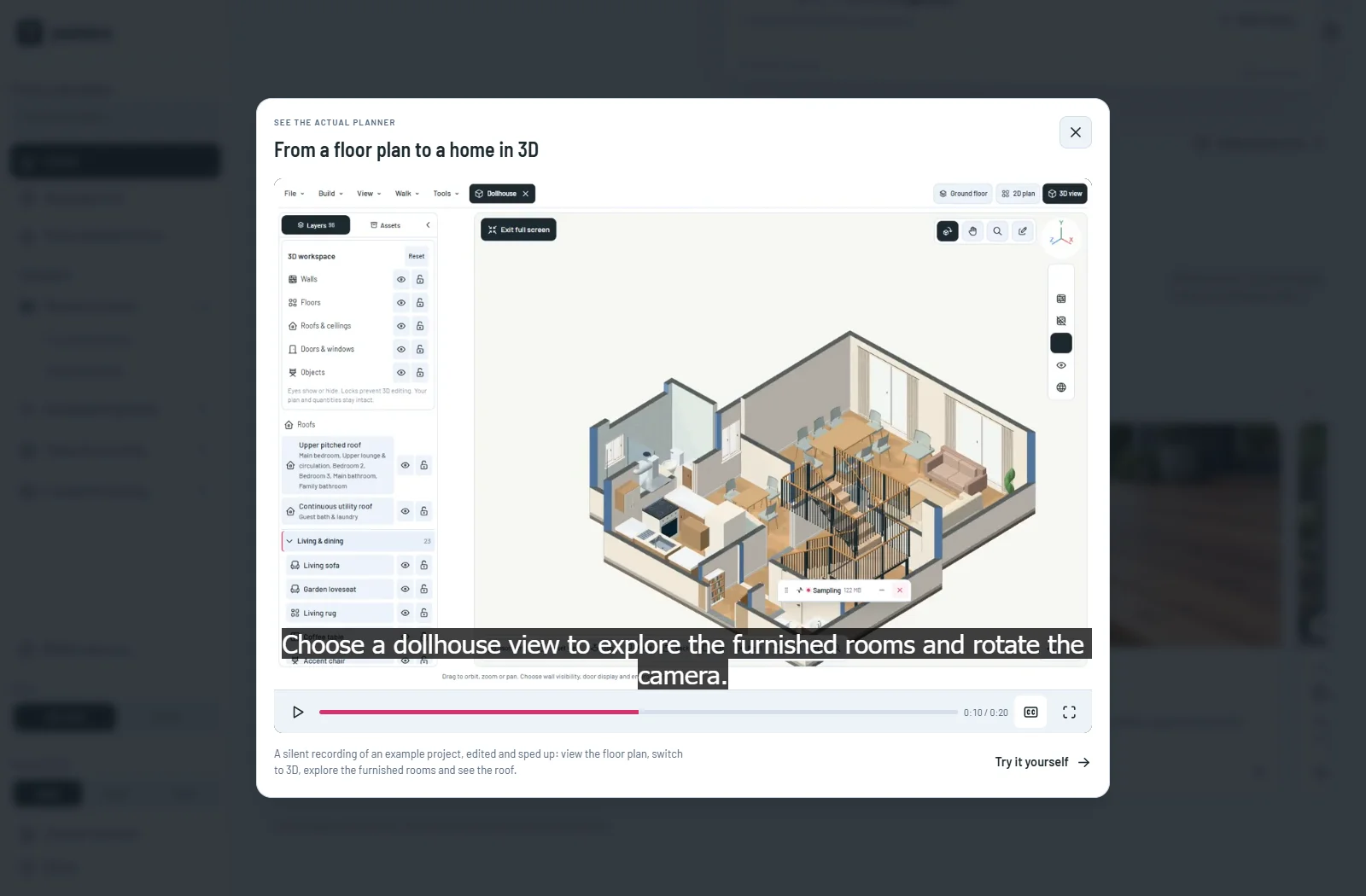
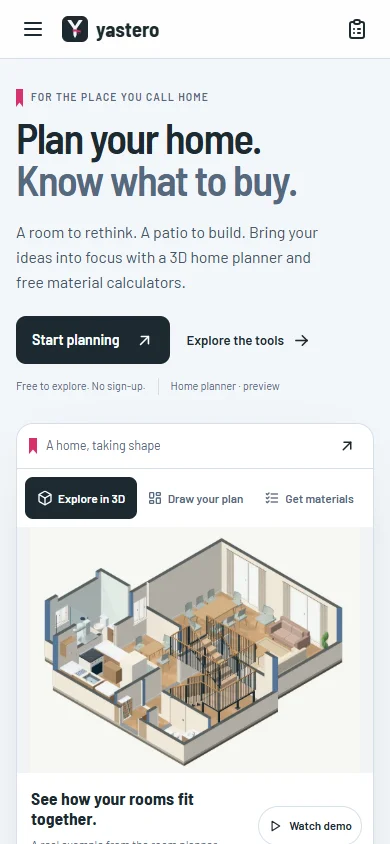
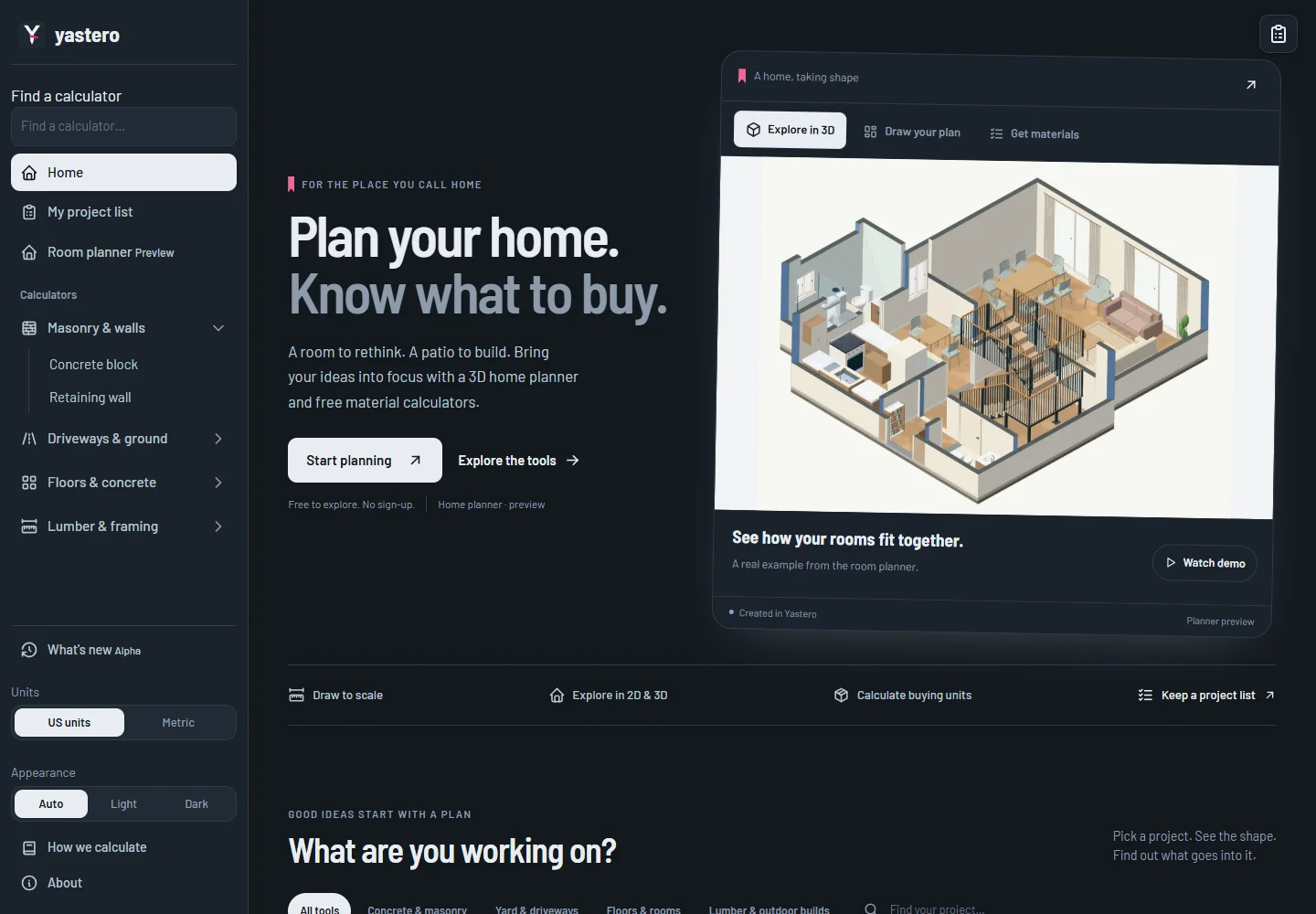
This milestone was documented on October 25, 2026 and added to the public history on October 25, 2026 at 12:55 AM GMT-3. Screenshots show the development state at the time. About this alpha history.