Select and move real-wall corners on the plan
Use the familiar corner and box-selection tools to reshape physical walls, preview a move, and save it once when you release.
Try native corner editing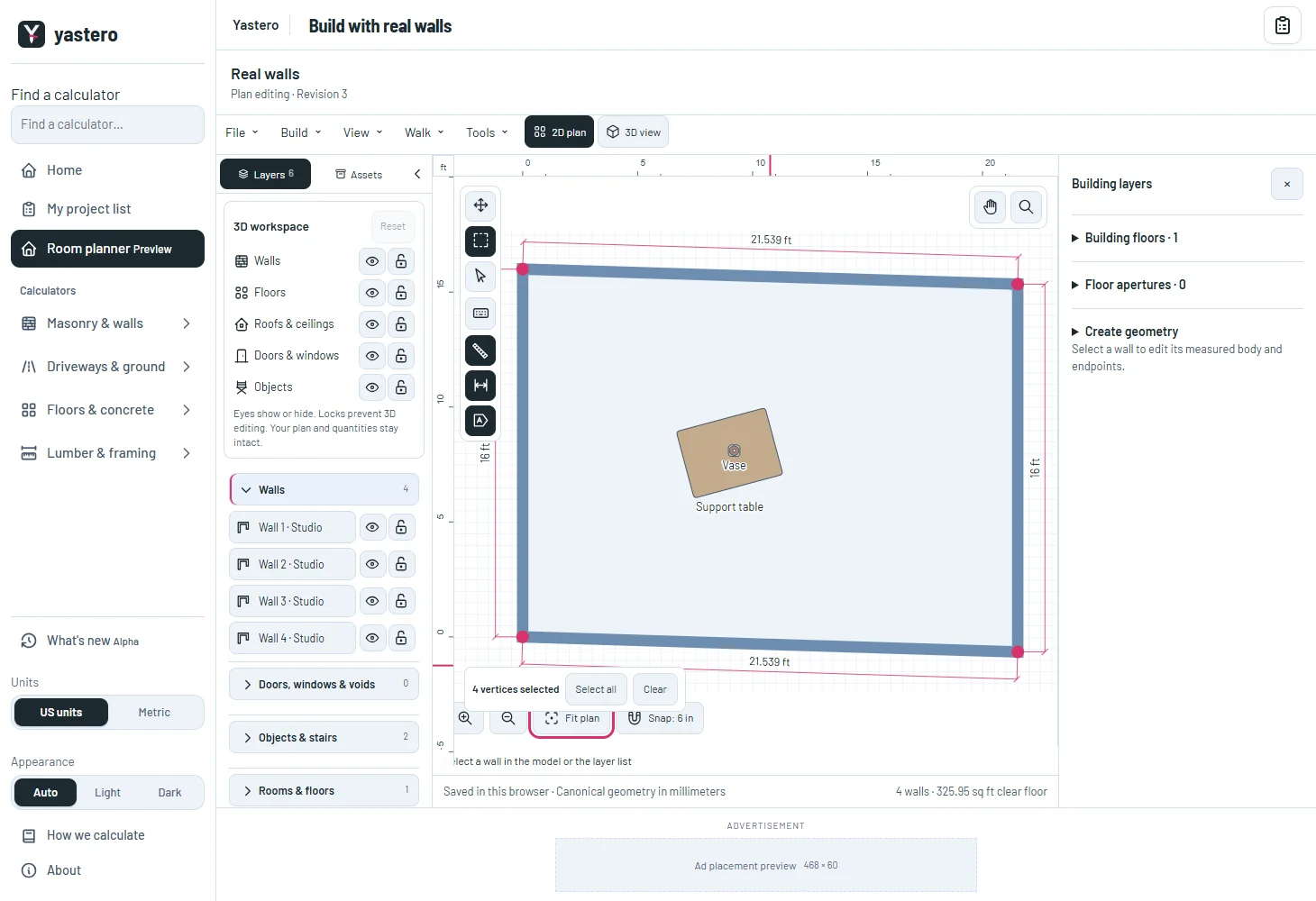
A measured edit with a way back
Corner gestures update the actual shared wall endpoints in millimeters. Circular walls retain their analytic curves, and connected rooms keep their shared identities.
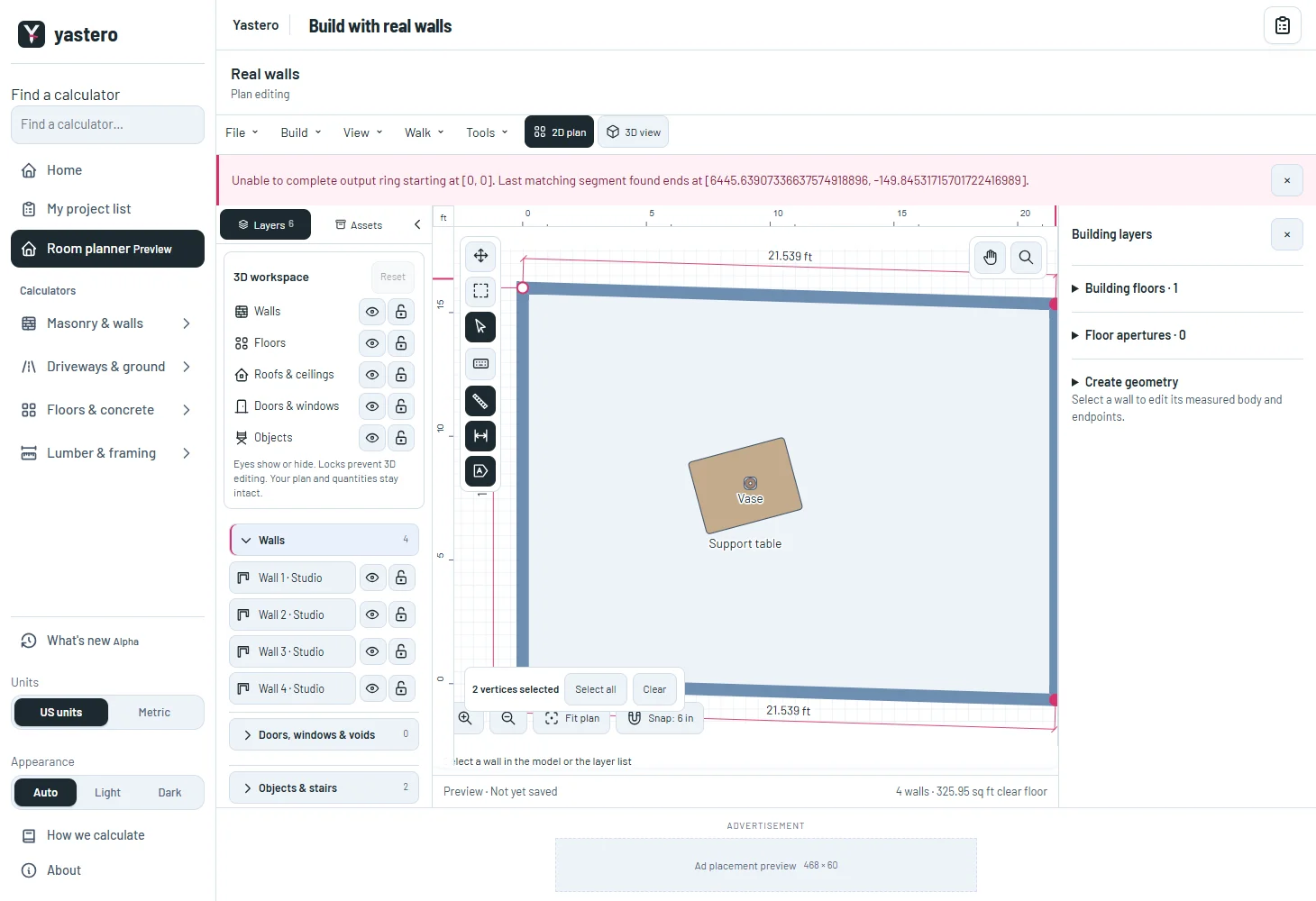
Dragging shows a temporary preview. Releasing saves one history step; Undo and Redo restore the complete graph. Invalid geometry returns to the saved shape and displays an error.
The Pointer tool selects a wall or object with a click. Dragging moves wall endpoints or an object and its supported items. Full room movement remains part of the remaining native UI work.
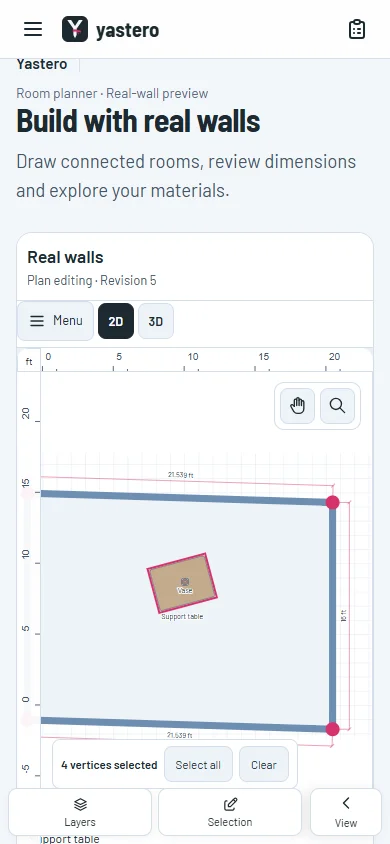
Use the same controls on a phone
The shared tool drawer returns you to the canvas after a tool choice. Small corner marks have larger invisible touch targets.
Layer locks prevent edits to affected walls or objects. A world-anchored grid follows the plan camera instead of staying fixed behind it.
The real-wall editor remains opt-in. Room drawing, cuts, further inspector controls and configurable snapping are still being transferred.
A closer look
This milestone was documented on October 25, 2026 and added to the public history on October 25, 2026 at 9:40 PM GMT-3. Screenshots show the development state at the time. About this alpha history.