Choose doors and windows over real wall openings
Use the familiar door styles, hardware, window models and pane controls in the real-wall inspector. Preview your changes, return to the same form, and keep exact measurements.
Explore real-wall opening options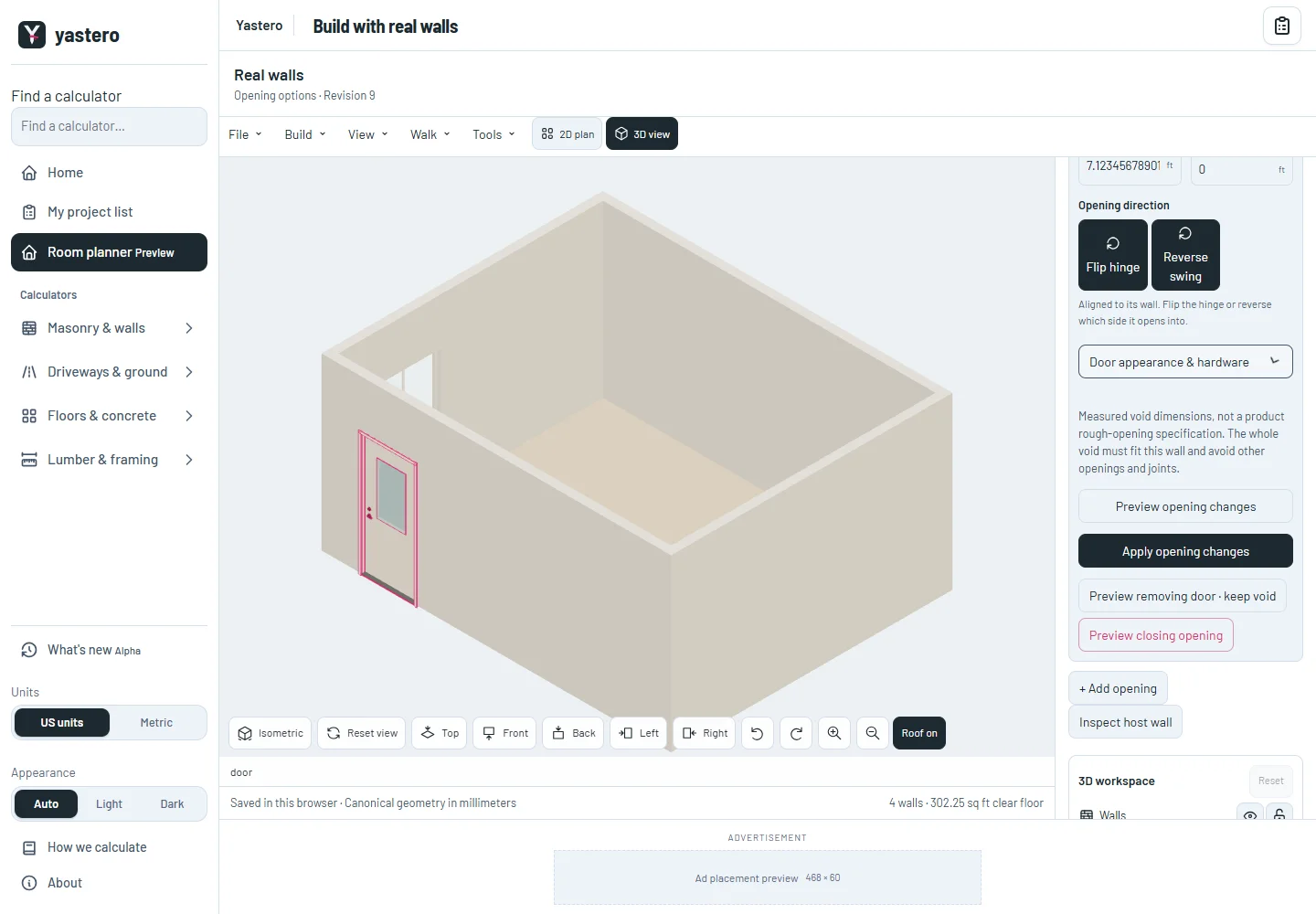
Shared controls, measured openings
The classic and real-wall editors share style and direction controls. Window grid columns and rows now sit with window appearance, with a compact two-column hardware layout.
Appearance changes keep the physical wall and opening measurements intact. An unchanged Apply preserves exact saved values and the order of installed doors and windows.
A measured void is separate from its installed door or window. These controls describe geometry and appearance; they are not product rough-opening requirements or installation approval.
Review without losing your place
Preview shows the proposed model while the inspector keeps the form you were editing. Cancel returns to its typed values; Discard restores the saved values.
Changing a filled opening into an empty opening can be reviewed, accepted and undone with the same persistent identities.
The real-wall workspace remains opt-in while its remaining interface is transferred.
A closer look
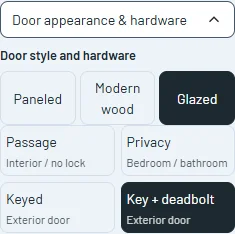
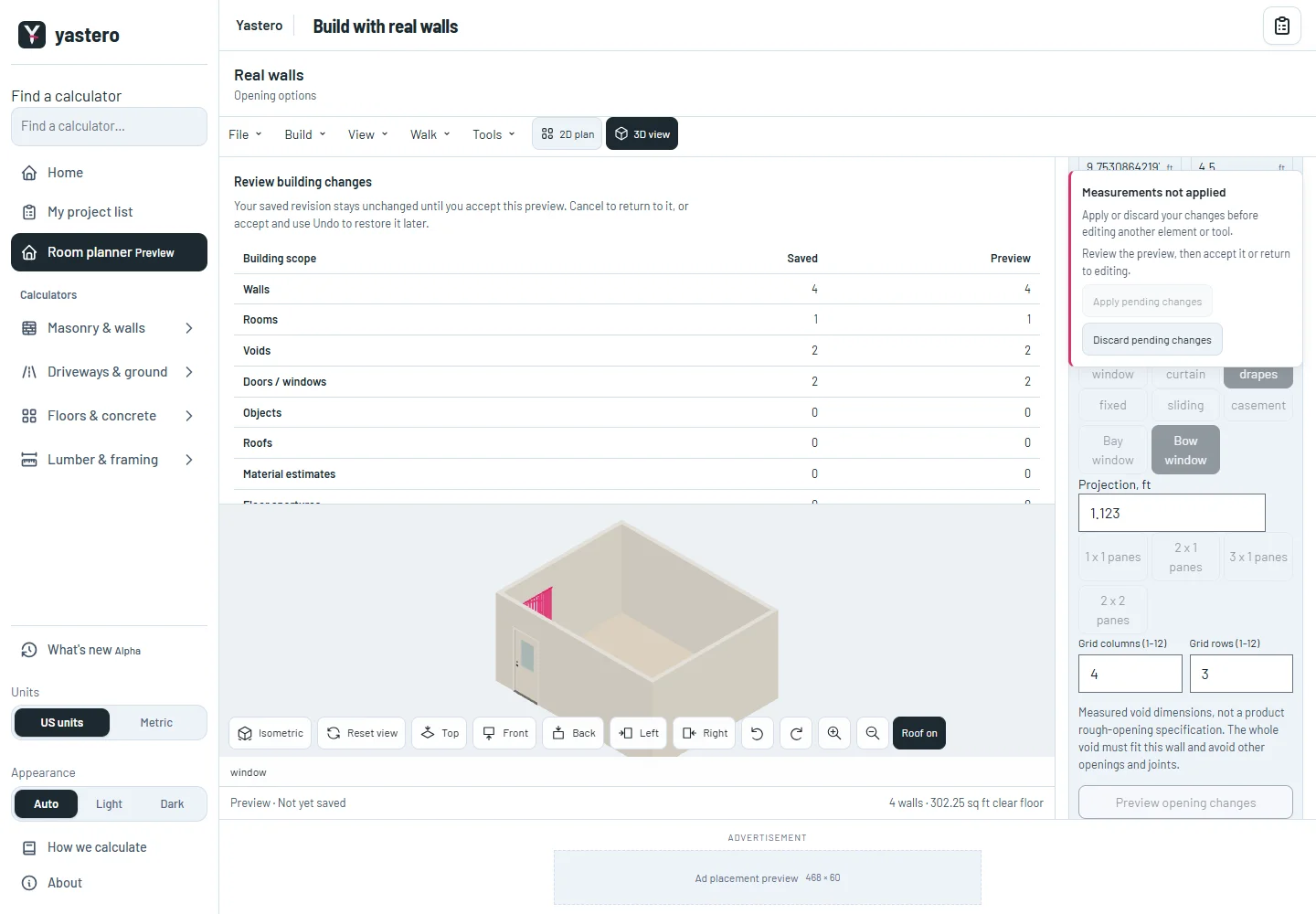
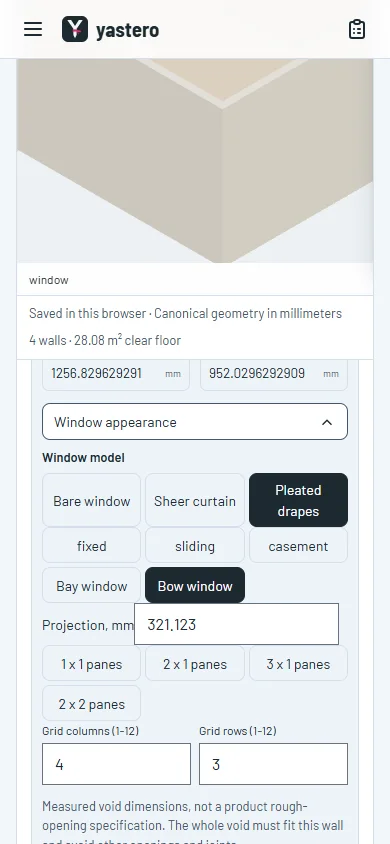
This milestone was documented on October 25, 2026 and added to the public history on October 25, 2026 at 5:00 PM GMT-3. Screenshots show the development state at the time. About this alpha history.