Opening controls that match your room measurements
Add doors and windows from a compact, aligned form that follows the room card scale. Phone controls retain room for touch.
Add doors and windows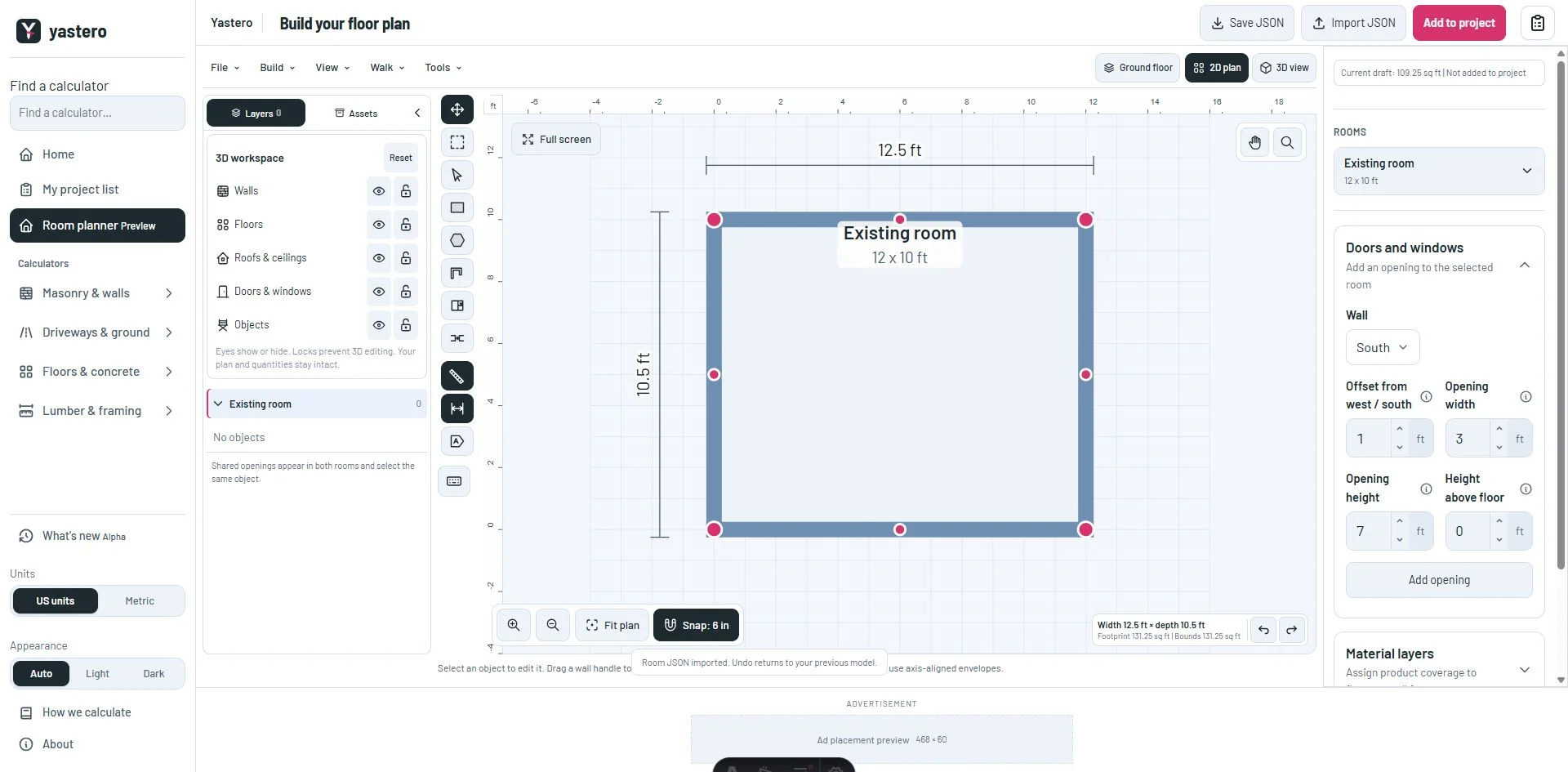
One consistent sidebar
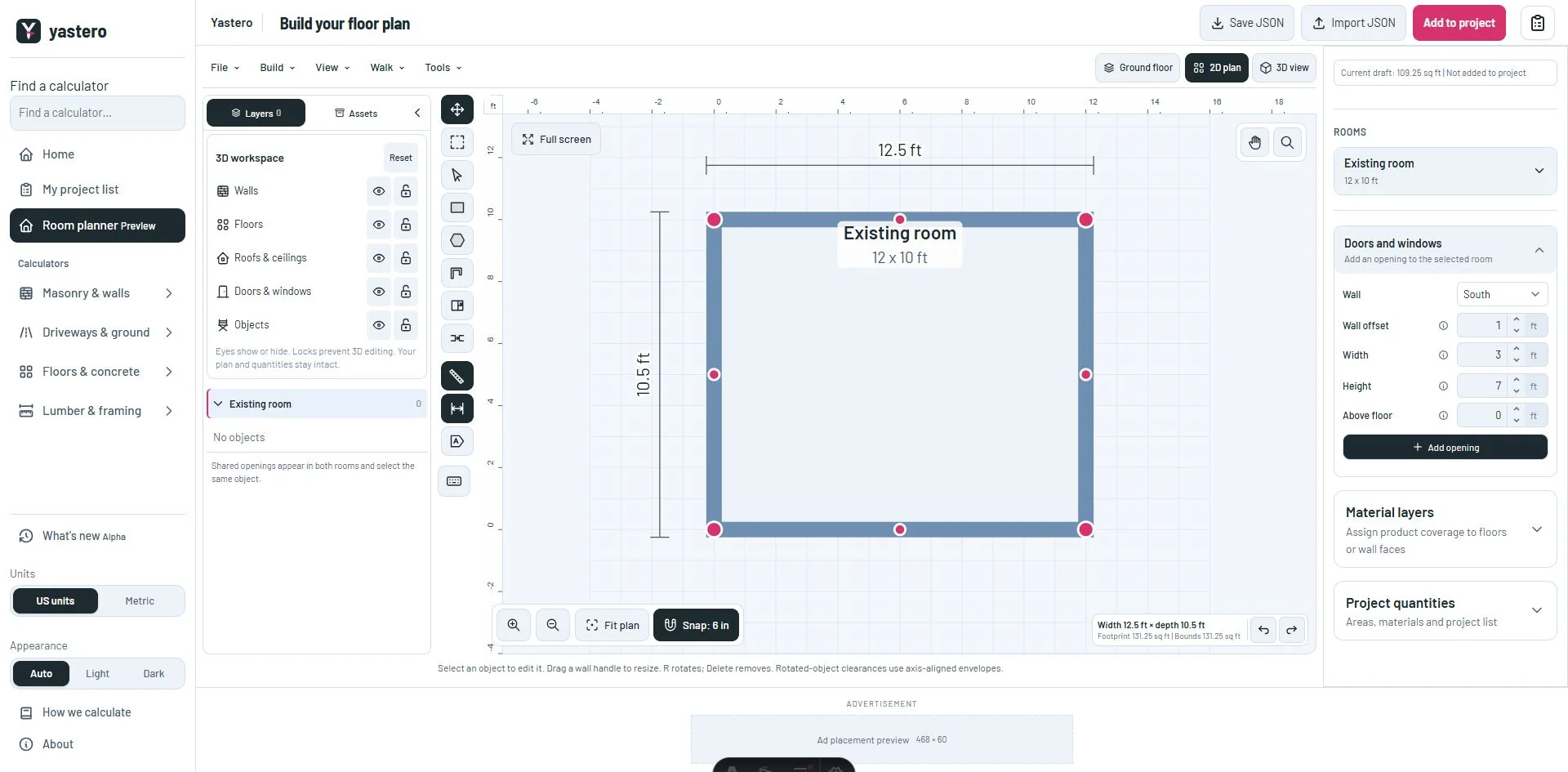
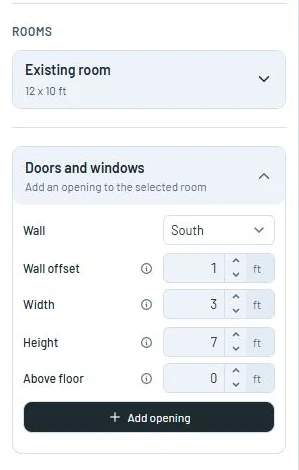
The doors and windows heading uses the same scale as the room card. The wall selector and measurements align in compact rows, with shorter labels and the full explanation available in each help tooltip.
The Add opening action and existing-opening list use the same compact spacing. Room and opening measurements share their control styles.
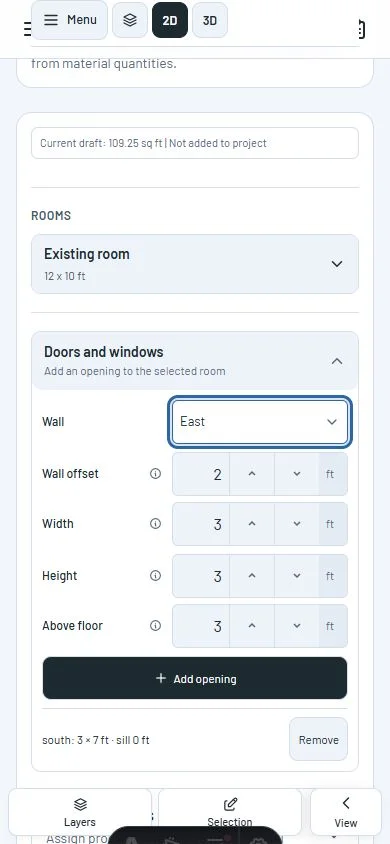
Keep working on phones
Measurement groups use 44 px rows with increase and decrease buttons beside the value. Labels remain beside the controls, including on narrow screens.
Wall selection, creating and removing openings, unit conversion and keyboard increments keep their existing behavior.
A closer look
This milestone was documented on October 24, 2026 and added to the public history on October 24, 2026 at 6:43 PM GMT-3. Screenshots show the development state at the time. About this alpha history.